Loading...
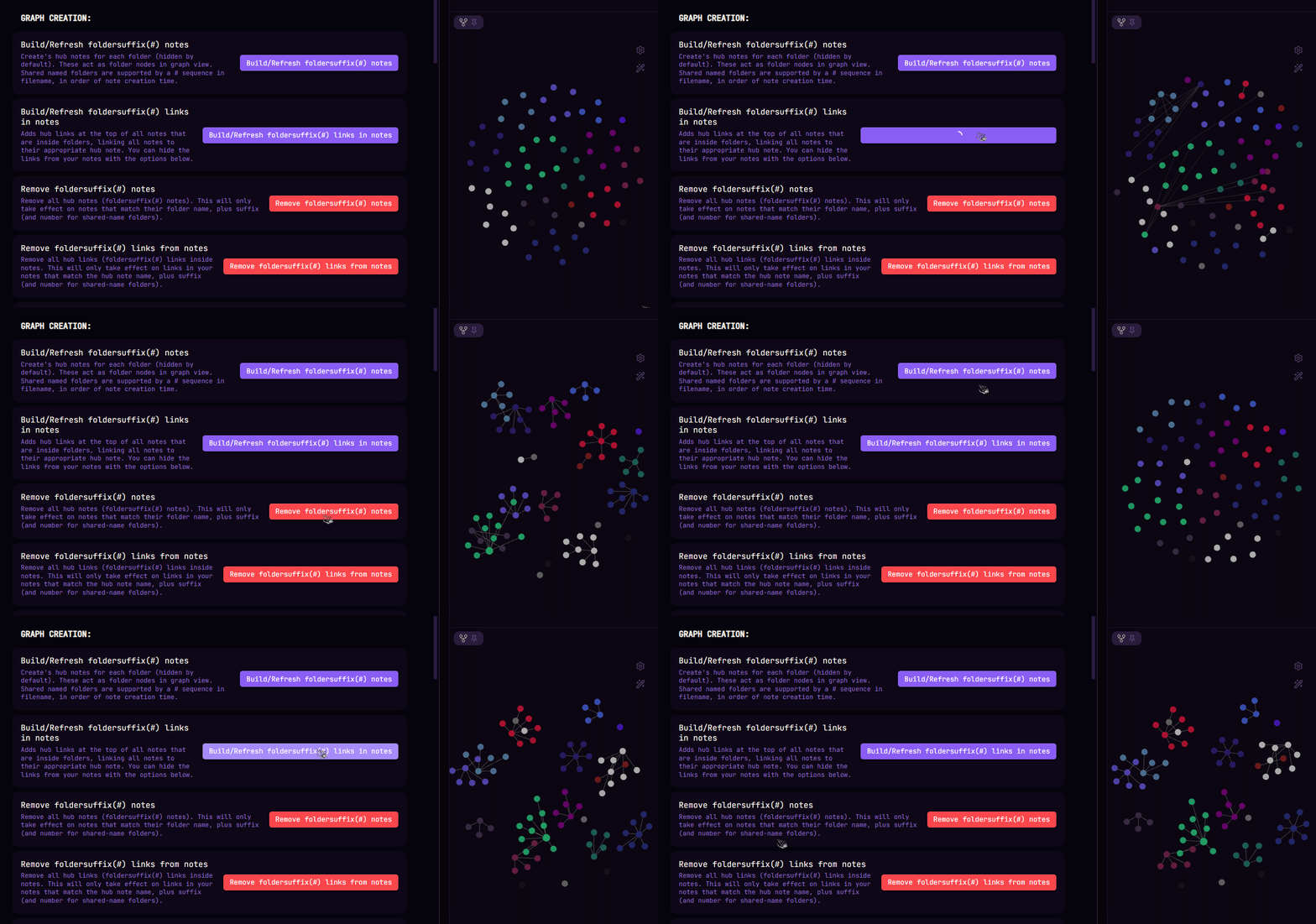
A Obsidian plugin that automatically creates and maintain's a graph view of your notes, if their organized into folders. Allowing for folders to be the root node, which just makes sense visually. Additionally provides a quick access hub note display for each folder. HOW IT WORKS? Creates a note for each folder (hidden by default). These act as folder nodes in graph view that all notes inside their folders attach to. Links to each hub note get added at the top of notes, connecting them together to their folder node. Options to customize the feel of the workflow to your liking.
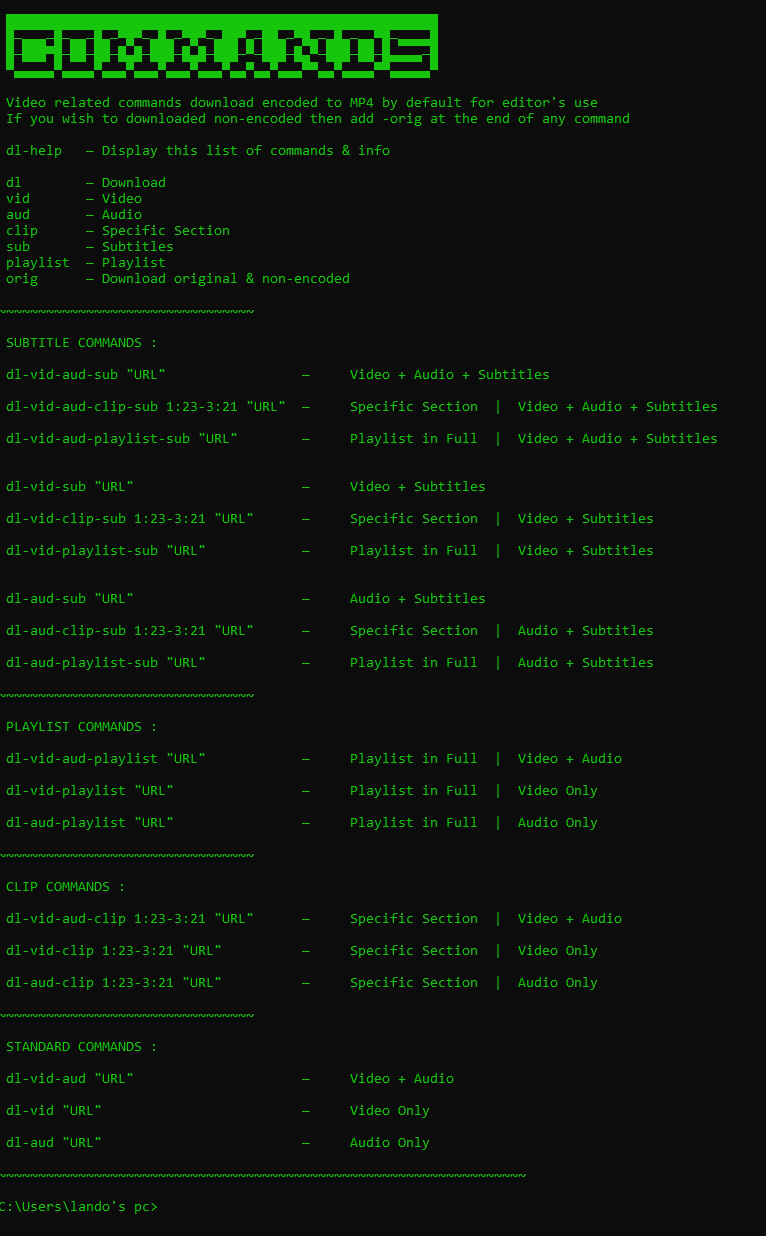
*BIG UPDATE HAPPENING IN THE COMING WEEKS* A Command Prompt UI for YT-DLP, with simplified commands and configurations. Configured to download at the highest available quality video & audio always, with 36 different variations to download by. Video related commands download encoded to MP4 & MP3 by default for editor's use and compatibility with most applications If you wish to download original & non-encoded, just add -orig at the end of any command You can easily change the command names if you'd like, it's as simple as renaming the command .bat files Simple setup instructions included of course
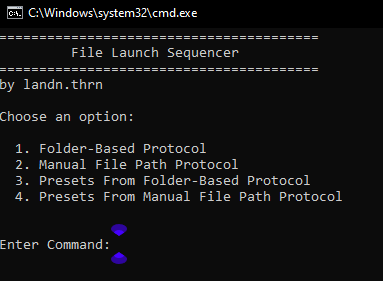
A Windows batch script and Command Prompt UI that let's you create, save, run customized auto open sequences MAIN PURPOSES: — Open a sequence of files or applications automatically — Opening project files for software that allows you to have multiple projects open at once, but doesn't allow you to actually open multiple projects at once. This can automate having to open project files individually. — Can be useful for other various tasks FEATURES: - Scan folder(s) for the target format(s) or paste file paths directly - Use exclusion filters to skip specific folders path(s), folder name(s), or keywords in filenames - Set configurable delays to prevent system overload from opening many files at once (also very useful for giving large programs time to launch like editing software...etc..) - Works with any file type your system can open - Save presets to reuse later - Preview & edit presets inside the UI or by editing .json files
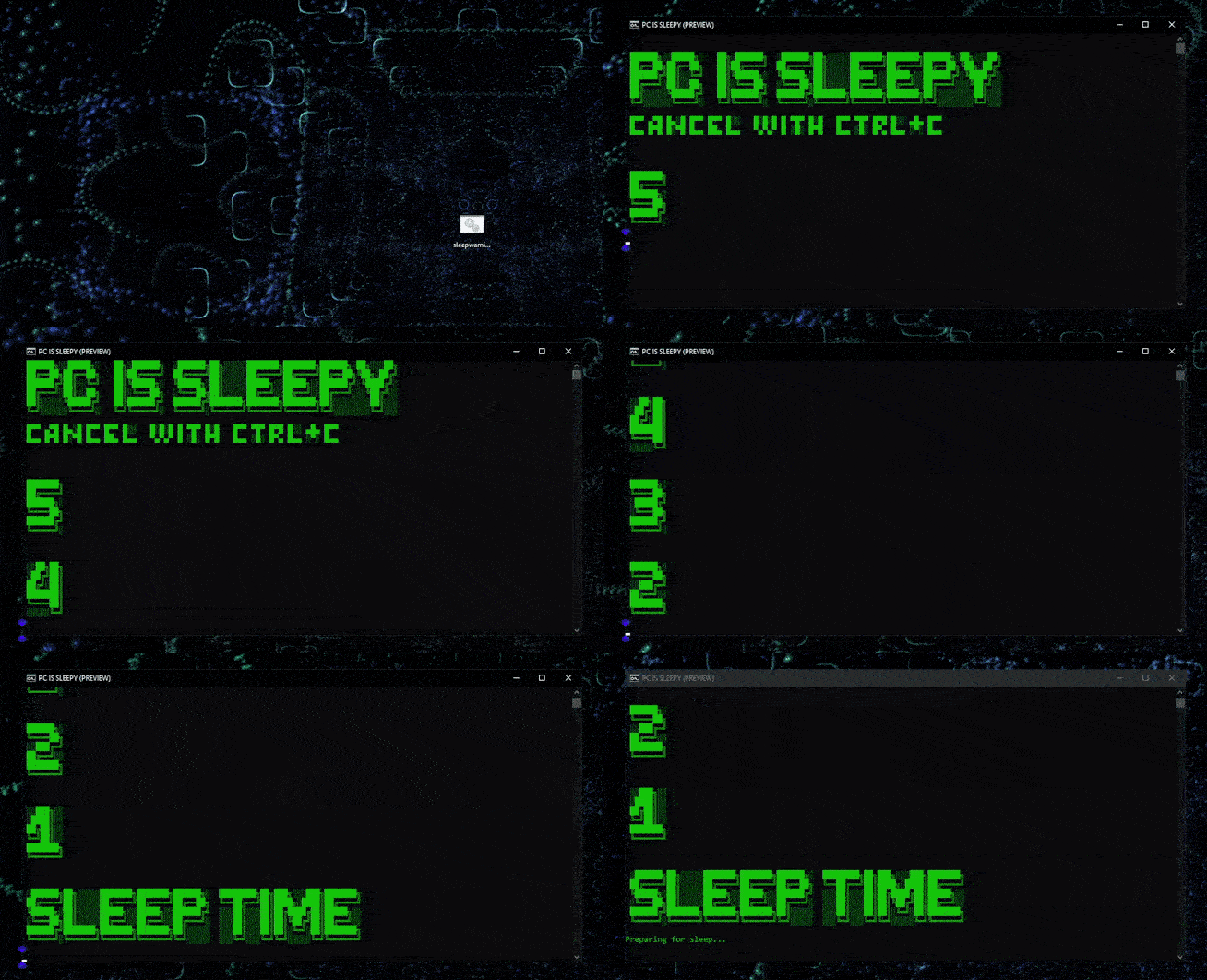
This feature simulates the regular Windows sleeping system and adds more convenience to it. Comes with a mini UI in Command Prompt and simple setup instructions. MAIN USES: — Ease of access & speed with changing specifics to your sleeping setup, useful for various tasks — Got a task that requires your PC to stay awake for long periods of time? Set a sleep timer, or disable sleep in seconds with the cmd UI — Want you're PC to sleep after a download/upload is expected to finish? Set a sleep timer for it — You're PC refuses to sleep and you just can't figure out the cause of it? This will simulate the default sleeping system for you CMD SLEEP COMMANDS: sleep — Display this list of commands sleepon — Enable idle sleep sleepoff — Disable idle sleep sleepstatus — Check if the watcher is enabled/disabled sleeptime — Change the set idle time to trigger sleep sleepmonitor — Change monitor(s) sleep time sleeprestart — Restart the sleep watcher task You can cancel sleep by pressing Ctrl + C while the warning is visible, or pause/resume the countdown by clicking the window and pressing any key. If you have media/audio playing, it will pause all audio before sleep triggers
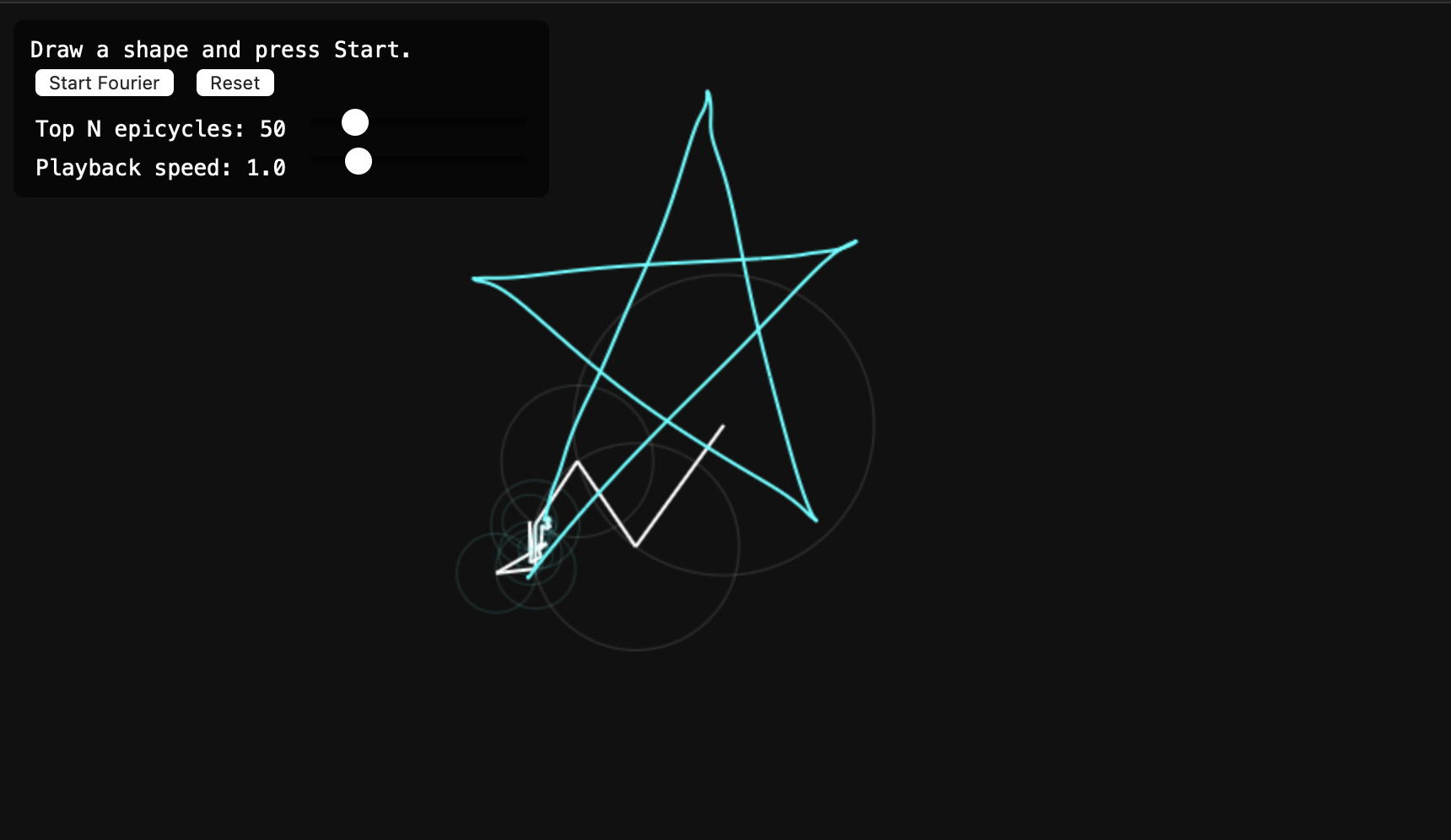
As part of my degree we have been learning about the discrete Fourier transform, and as I saw on 3 blue 1 brown you can use these ideas to draw out images of your choosing. I then decided to code this - with some help from Claude - to draw whatever you can draw with your cursor. Enjoy!
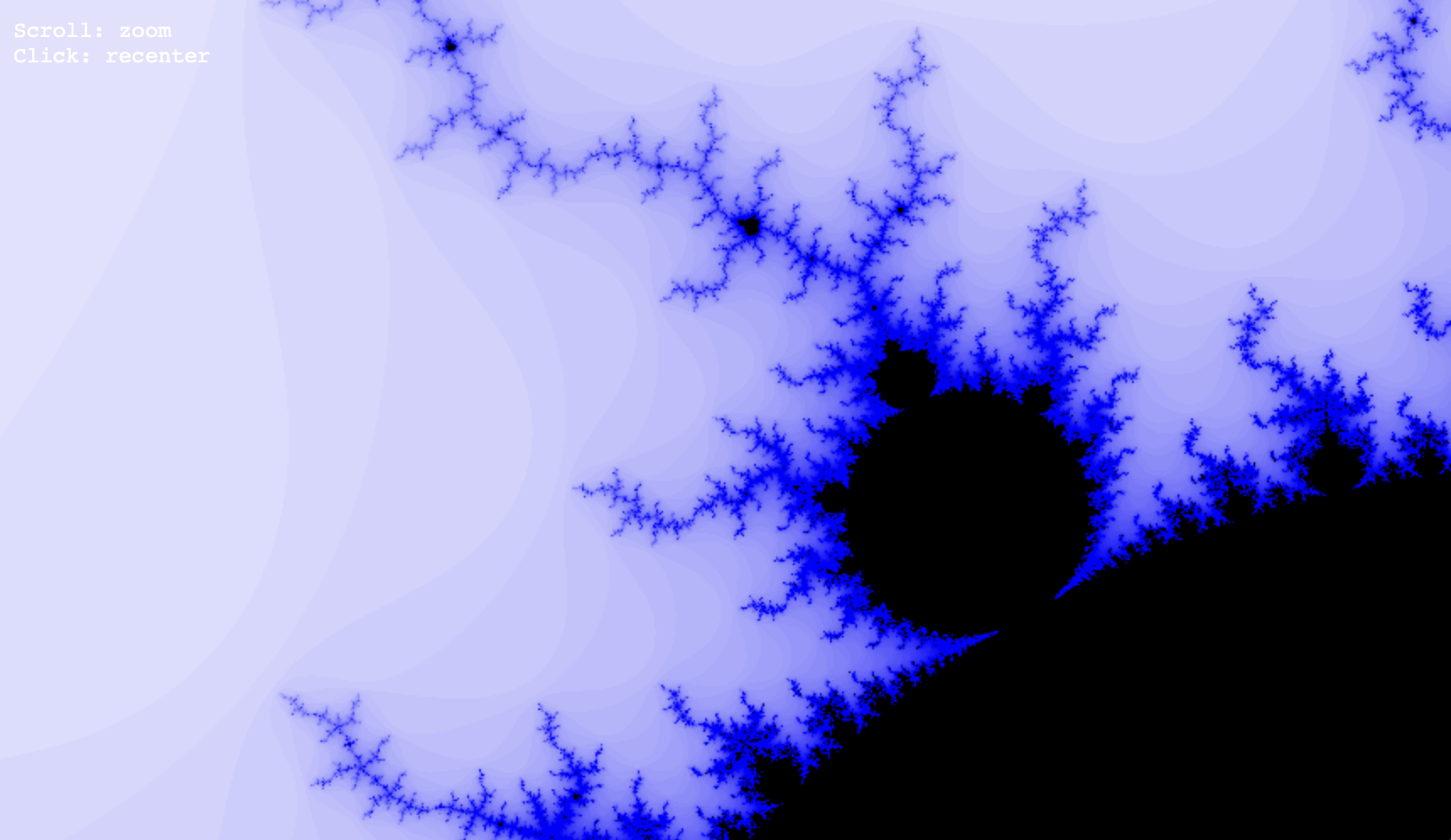
A small project I have been working on for a while; the mandelbrot explorer. A simple visualisation of the set has been done by mapping each pixel to a complex number based on the current perspective and viewpoint. The iteration is then applied then its appearance is governed by whether it A - diverges or B - a maximum iteration count is reached. The number of iterations then determines the pixel colour - giving the patterns seen.
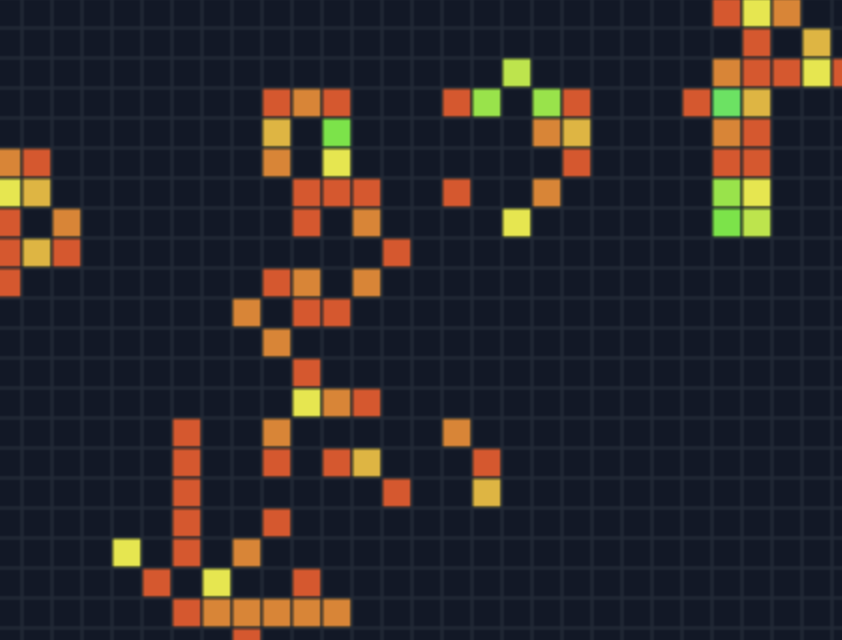
Saw veritasiums videos on Conways game of life and thought id see what actually happens when you can change things. Here are the rules its built on: Survives if a it has 2 or 3 neighbours Dies if it has less than 2 or more than 3 neighbours Born if it has 3 neighbours Very simple but you can get some very cool stuff happening