Loading...
6 months ago·256 views
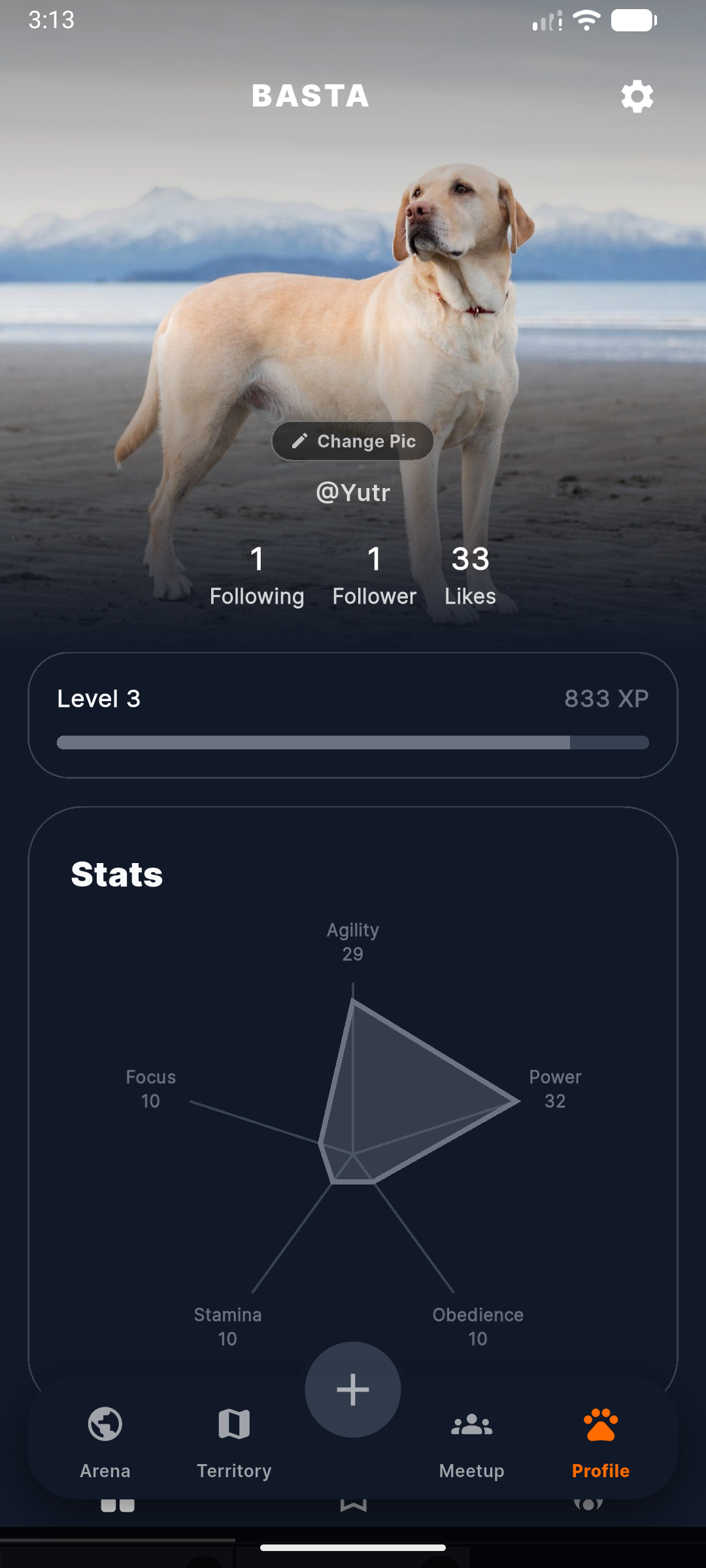
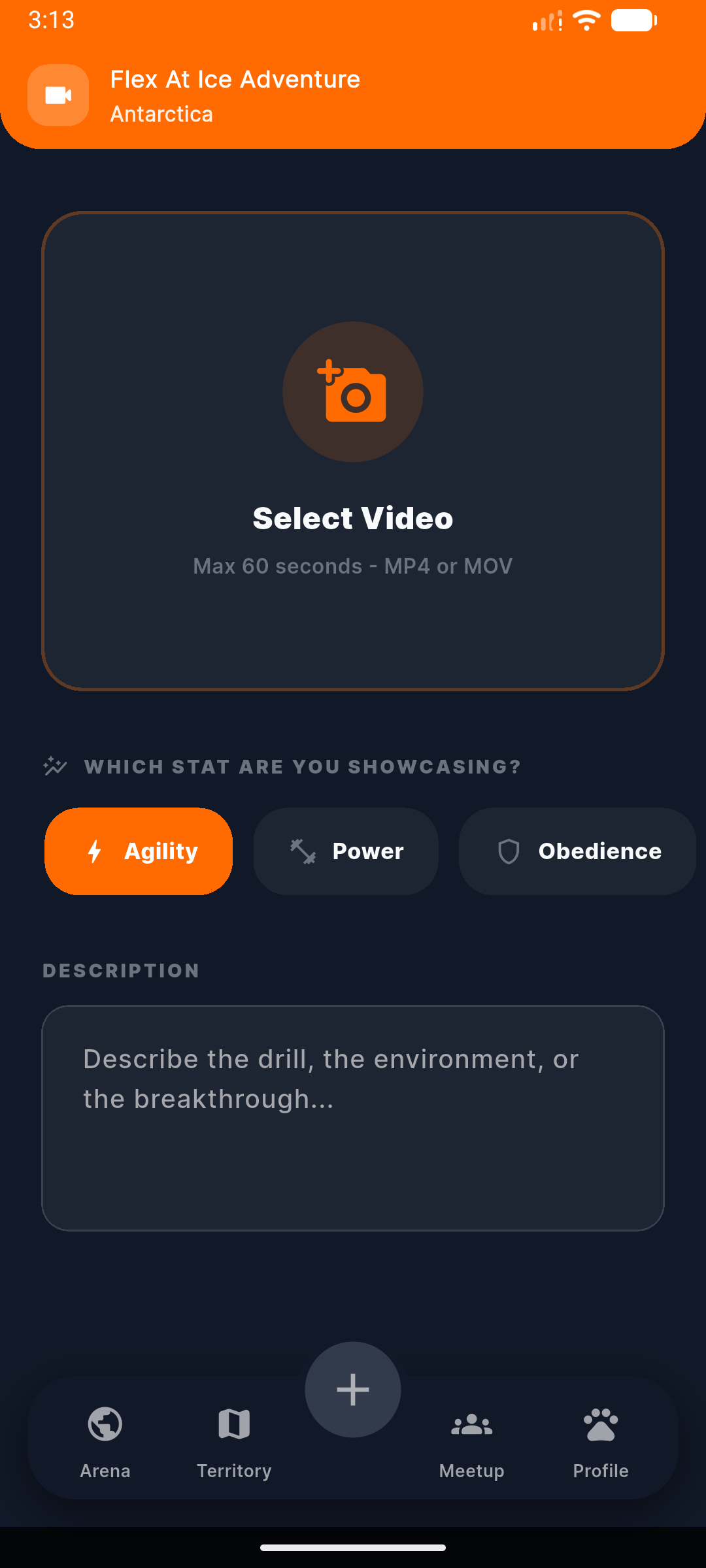
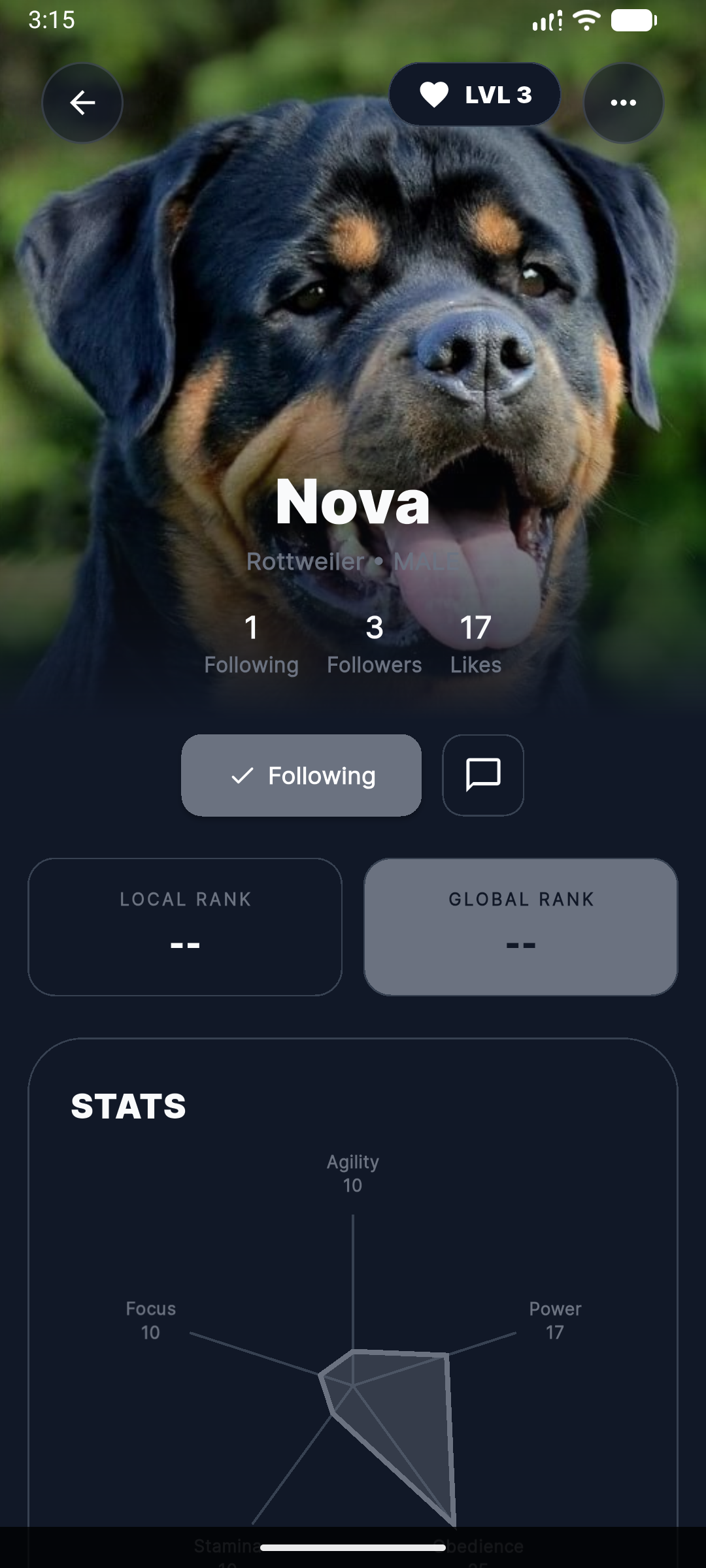
Flex training videos, match with elite dogs, and rank up to dominate your city.
Tags
Tech stack
No comments yet. Start the conversation!
6 months ago·255 views
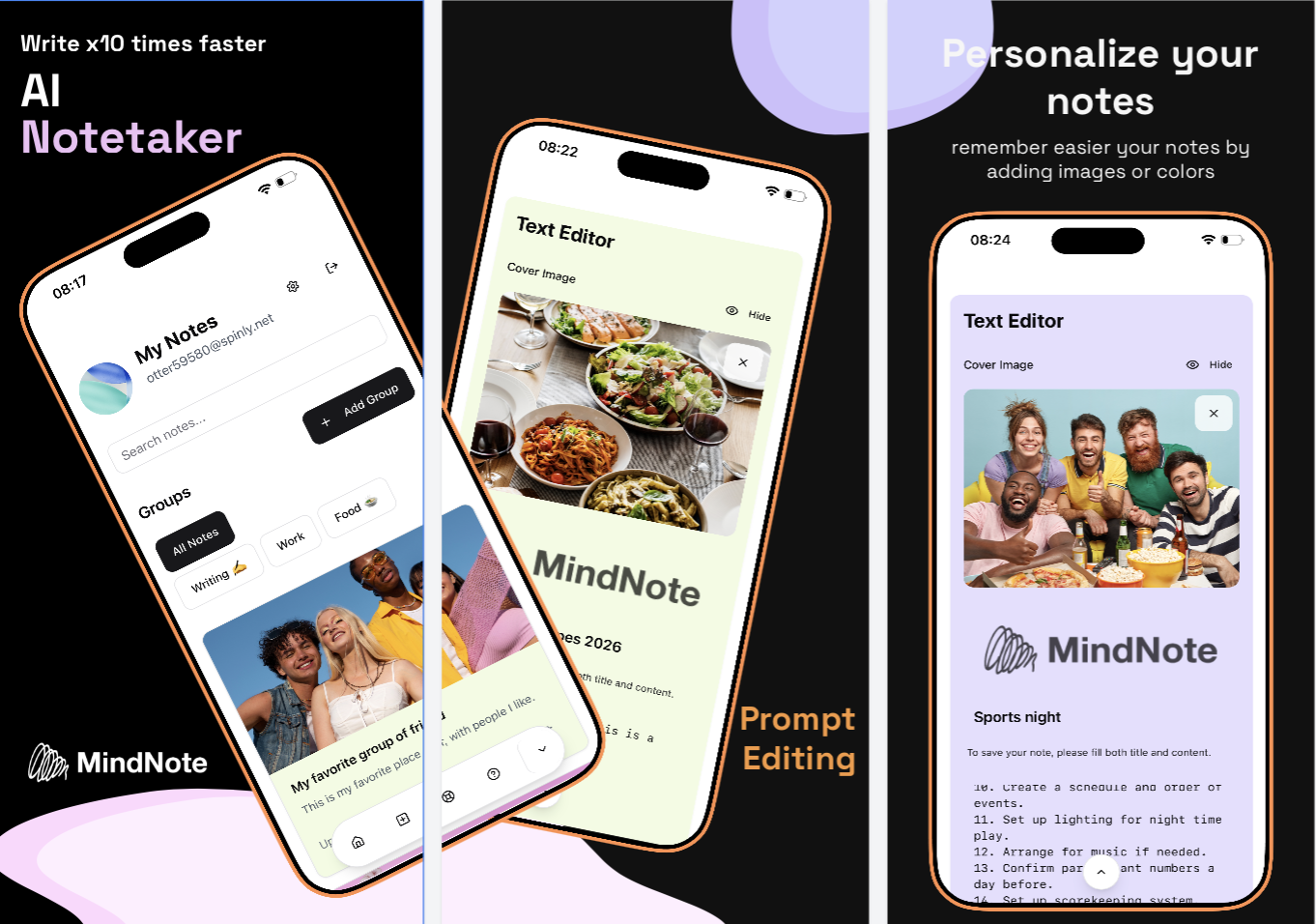
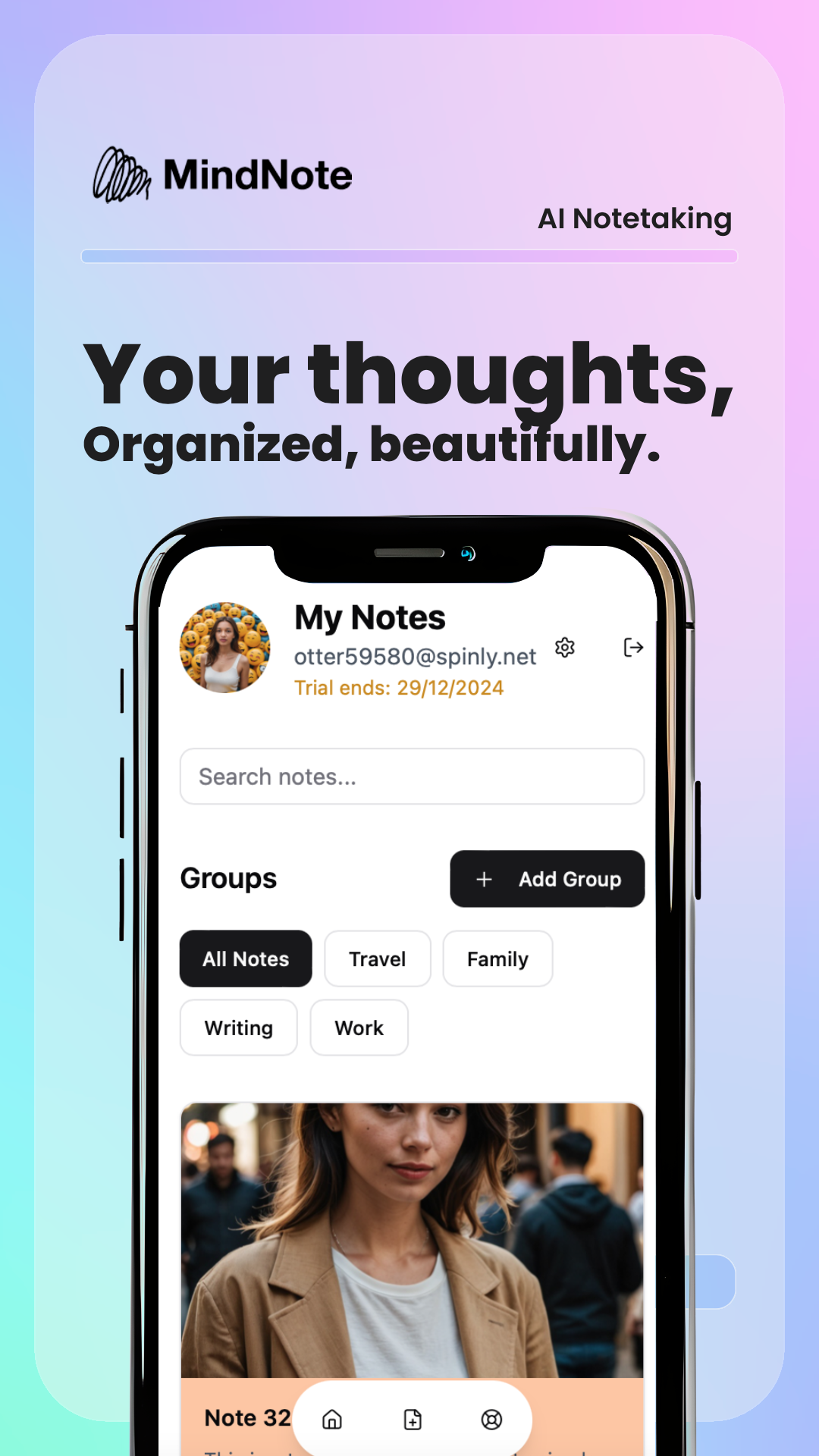
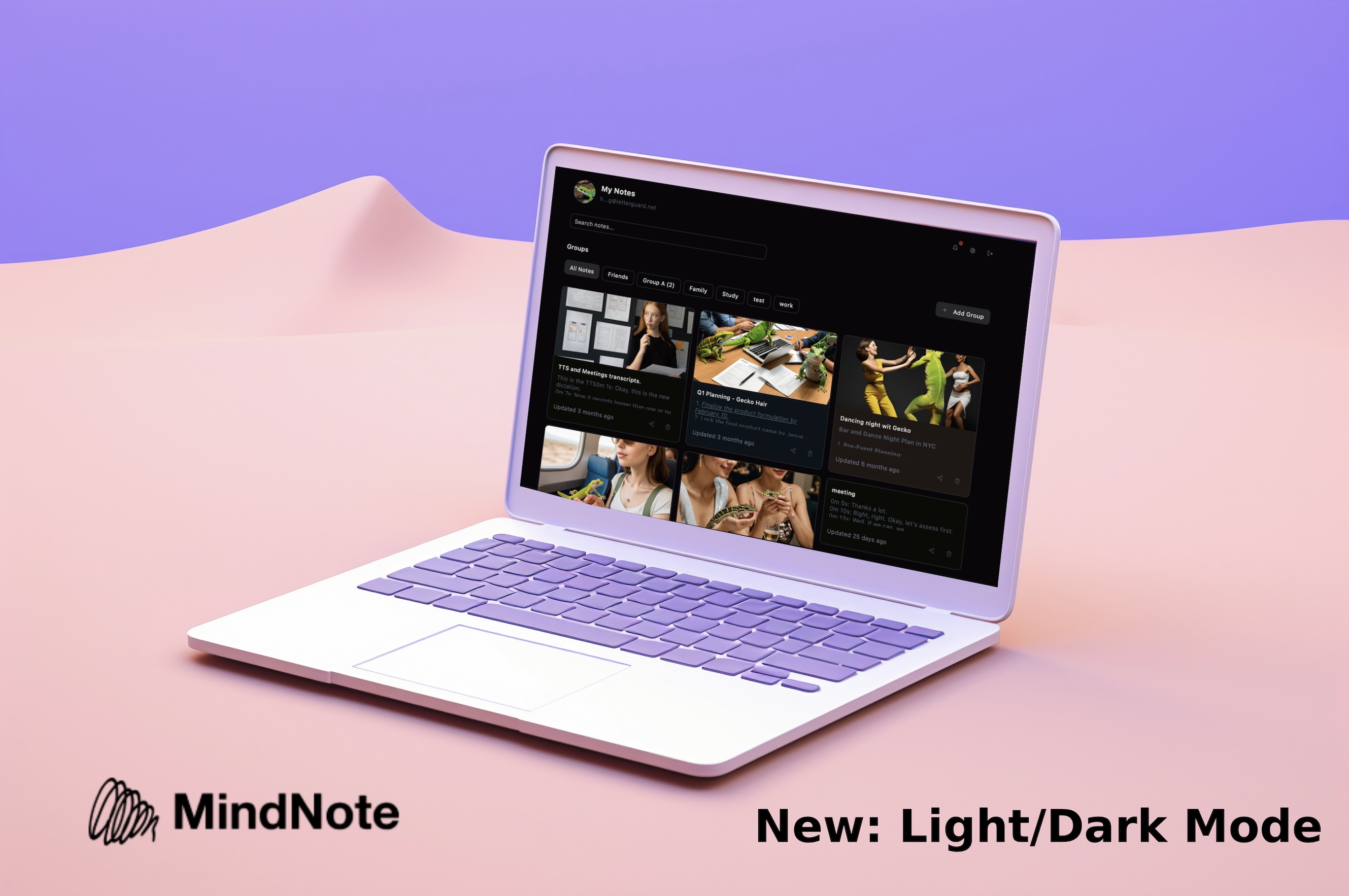
AI Notetaker. Edit your notes quicker with prompts and extract information from voice, videos, live and virtual meetings, screenshots, among others. Ideal for students, researchers and working teams. Available in Web, iOS and Android.
Tags
Tech stack
No comments yet. Start the conversation!
6 months ago·242 views
6 months ago·242 views
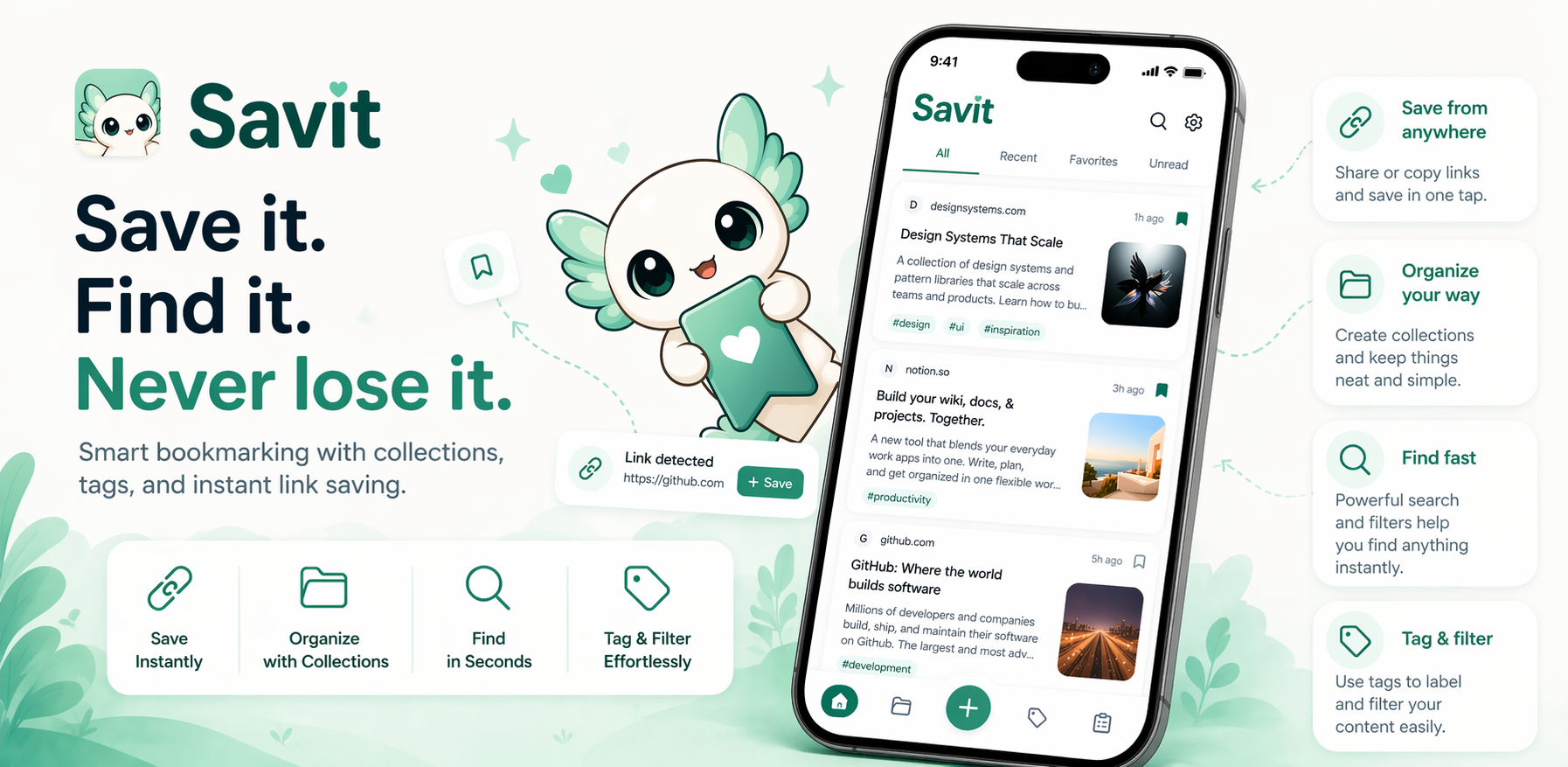
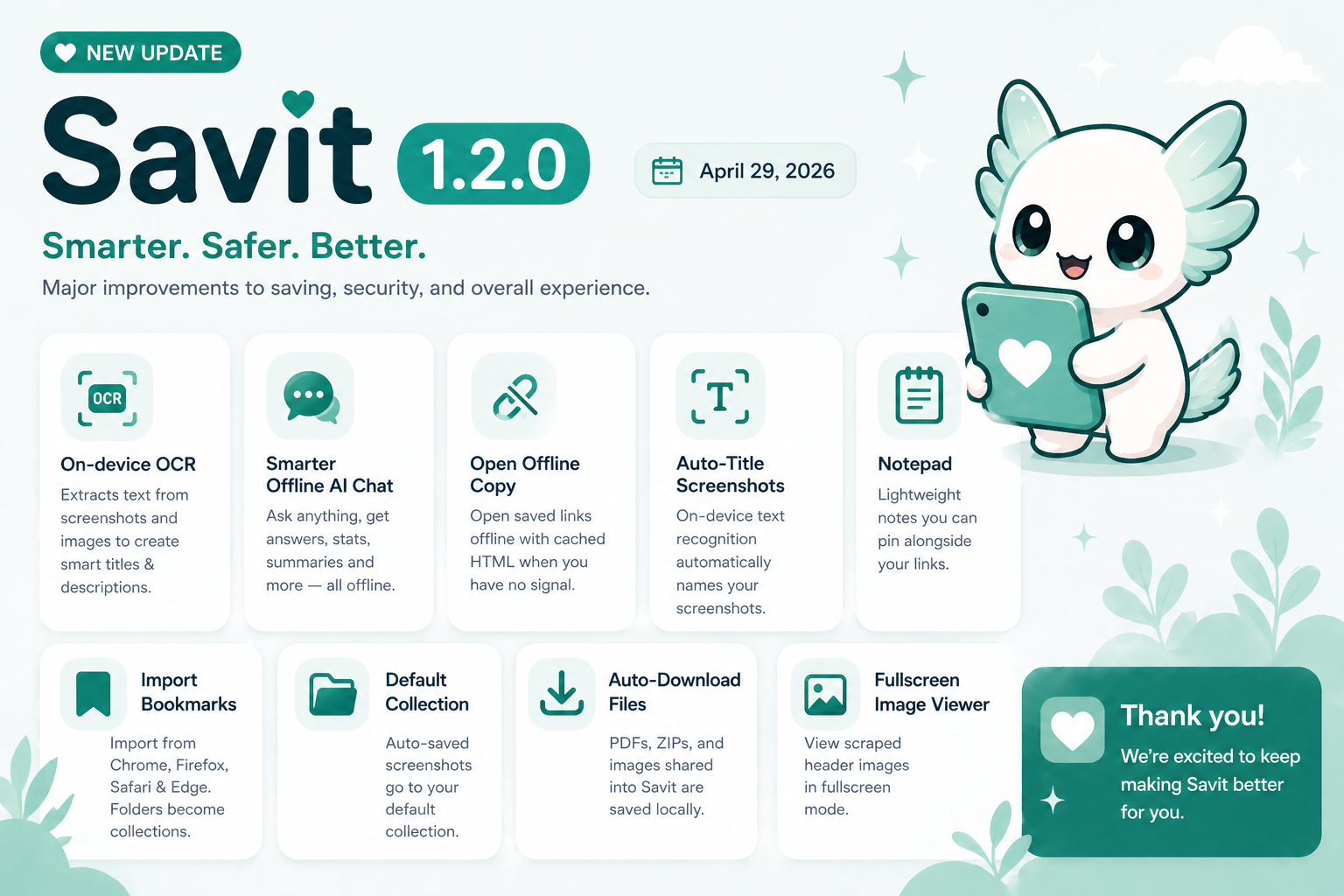
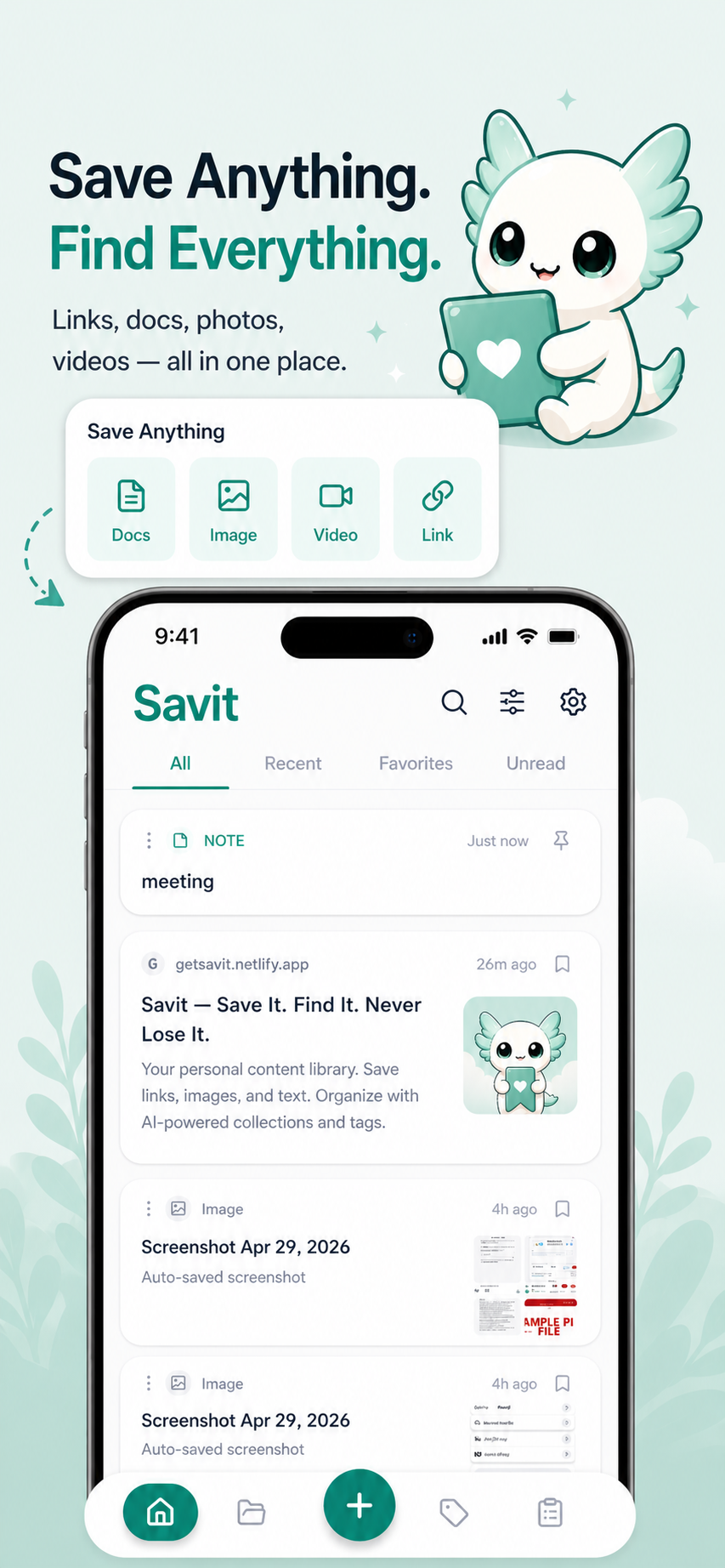
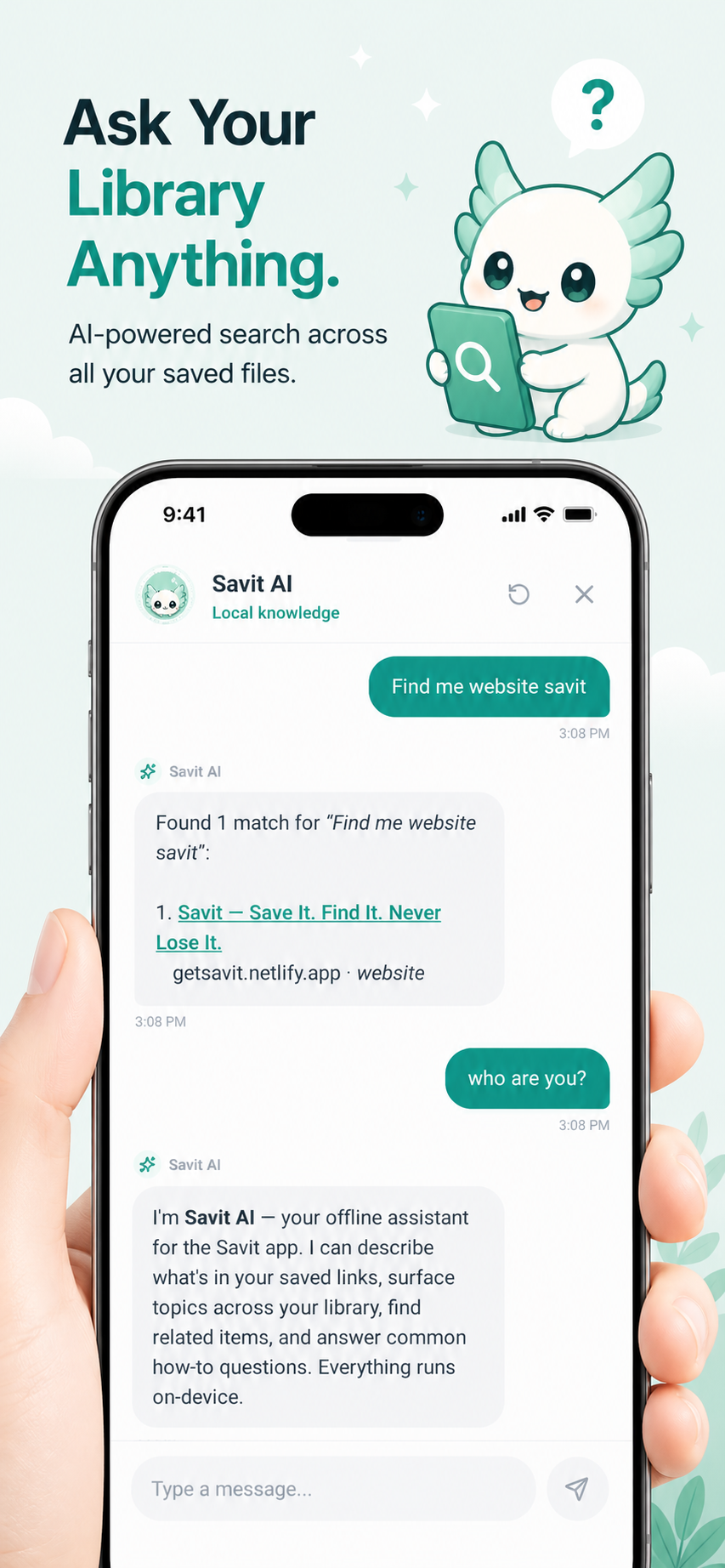
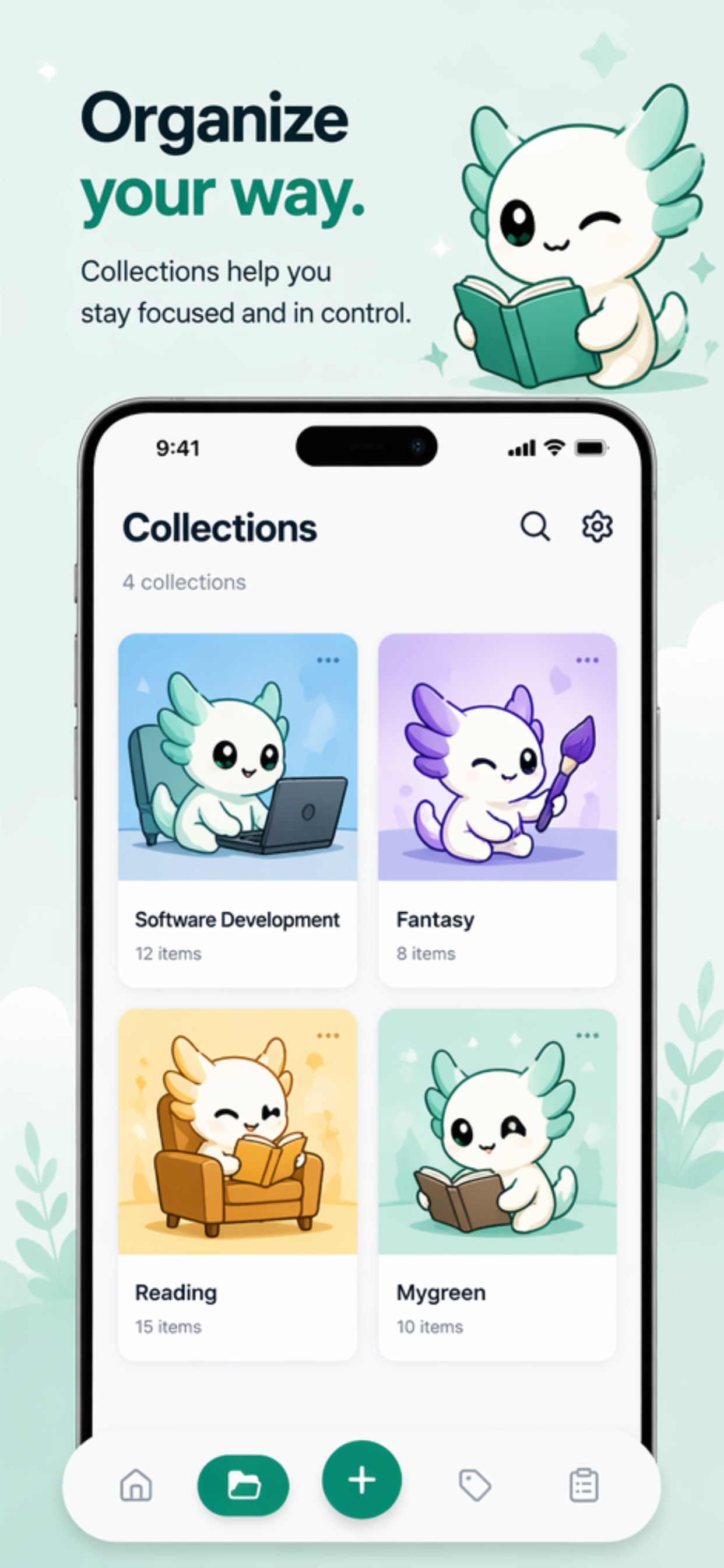
Savit is an offline-first bookmark and media organizer built for people who constantly save links, screenshots, and files—but struggle to find them later. Instead of relying on cloud-based tools, Savit keeps everything local on your device. You can dump links, screenshots, documents, or downloads, and the app automatically organizes them using smart detection, OCR, and lightweight AI. It can detect links from your clipboard, auto-title screenshots using OCR, and categorize your saved content so you don’t end up with a messy camera roll or random notes. You can group items into collections, add tags, and search across everything instantly—even offline. The goal is simple: make saving frictionless and retrieving effortless. No accounts, no syncing issues, no internet required. Just a fast, private, and reliable way to manage everything you save.
Tags
Tech stack
6 months ago·198 views
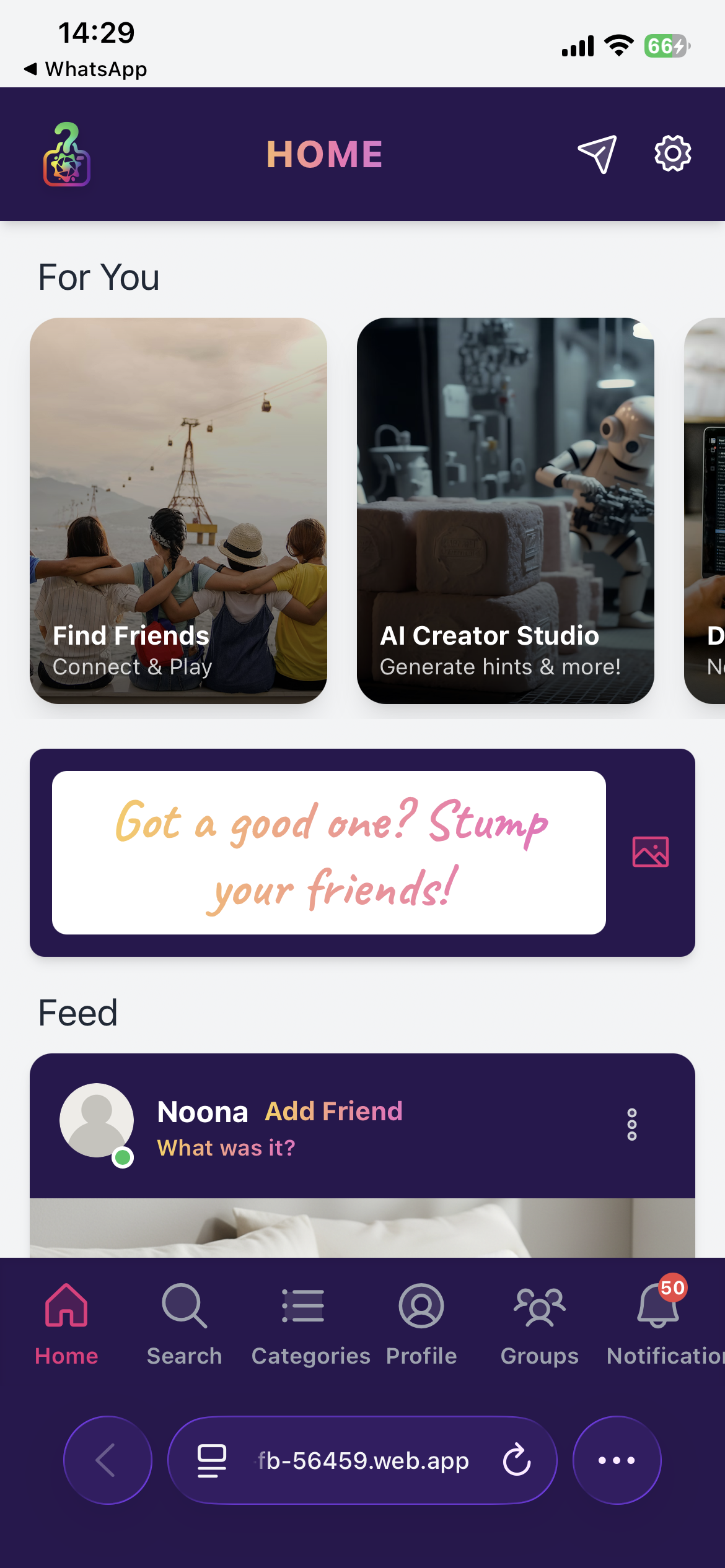
What was it? Is a new social media guessing game platform, in this half novelty game, half social platform users use there own pictures, sounds, videos to create fun games for friends and family to guess on, create your own communities with family or make new friends with the same interests, compete on a global leaderboard or group leaderboard trying to outsmart your mates, available on the playstore completely free, coming soon to iOS
Tags
Tech stack
No comments yet. Start the conversation!
6 months ago·339 views
Seedance 2.0 is an AI-powered video creation tool that turns simple inputs like product images or basic prompts into polished, high-quality videos. It automatically handles composition, lighting, motion, and scene flow, so you don’t need advanced editing skills. Why use it? It saves time, reduces production effort, and helps you create professional looking content quickly. Instead of spending hours editing or hiring creators, you can generate ready to use visuals for ads, social media, or product pages in minutes. It’s especially useful if you want consistent, scalable content without the usual complexity.
Tags
Tech stack
Brilliant!! Onwards and upwards
crazy output :)
Amazinggg!!!
Seedance 2.0 is amazing for cinematic video
Cool! Looking forward to give a try to this AI tool
woahhhhh, will give a try tagshop.ai
Seedance 2.0 is the game changer!!🔥
It's looking really amazing man! Will definitely try Tagshop AI for my AI UGC workflow. 💙
6 months ago·190 views
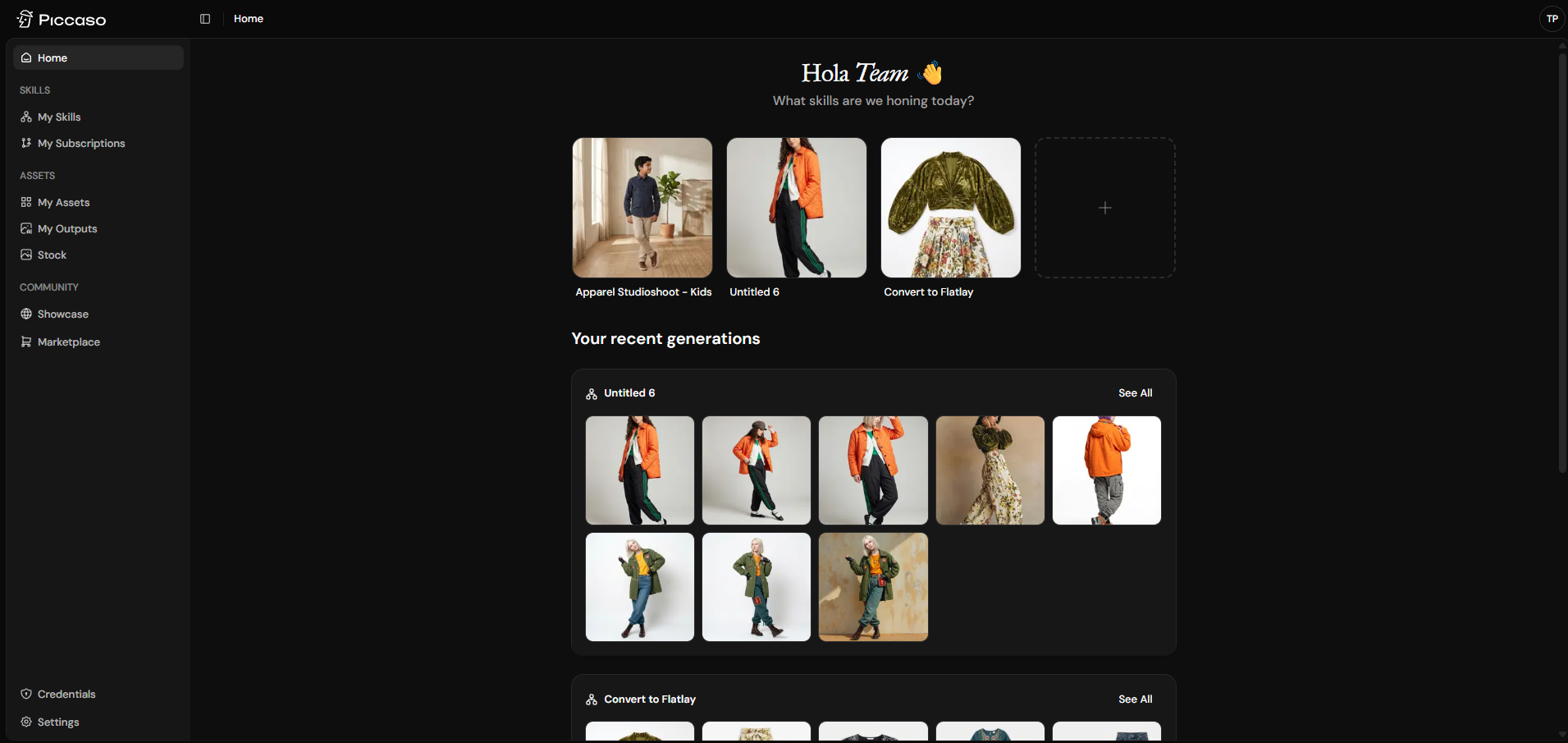
Piccaso lets ecommerce brands create, manage, and run agentic AI skills for on-brand product shots, lifestyle scenes, and campaign visuals
Tags
Tech stack
No comments yet. Start the conversation!
6 months ago·206 views
Ronin Reborn is a dark fantasy JRPG that tracks your habits and makes achieving your goals and doing your daily routines an exciting adventure. You can chat with the characters, get training advice, and even go on missions. Tap into the social aspects for accountability partners or to show others that you can beat their streak before they beat yours.
Tags
Tech stack
No comments yet. Start the conversation!
6 months ago·168 views
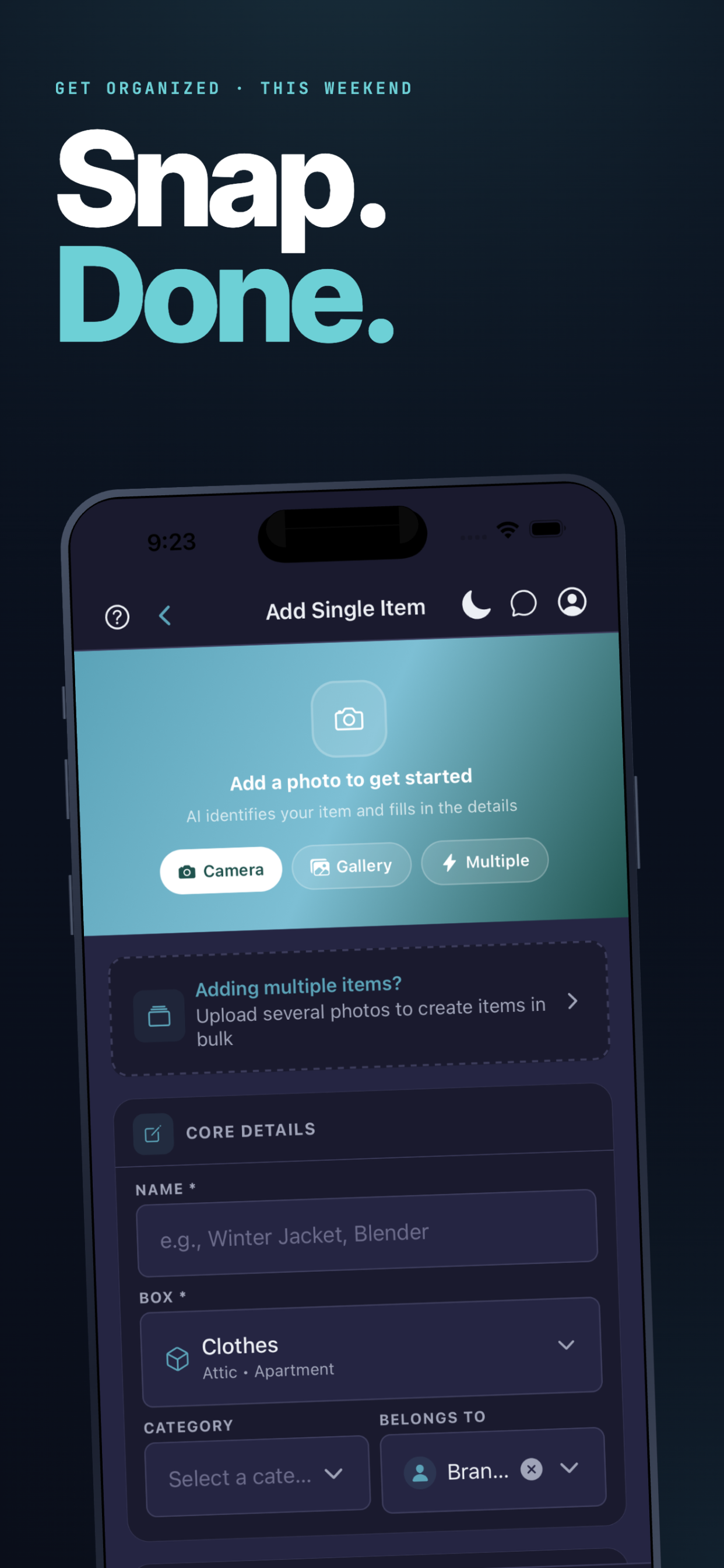
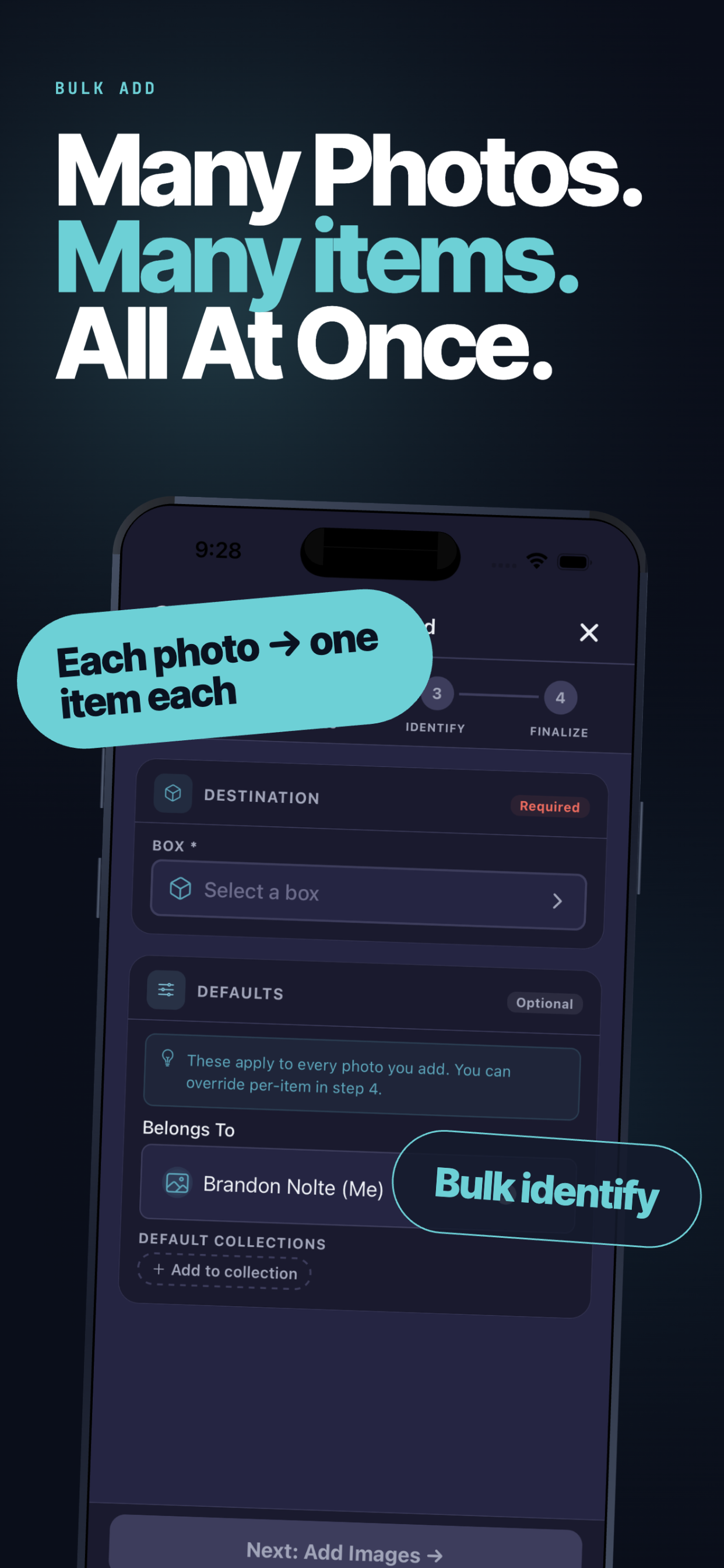
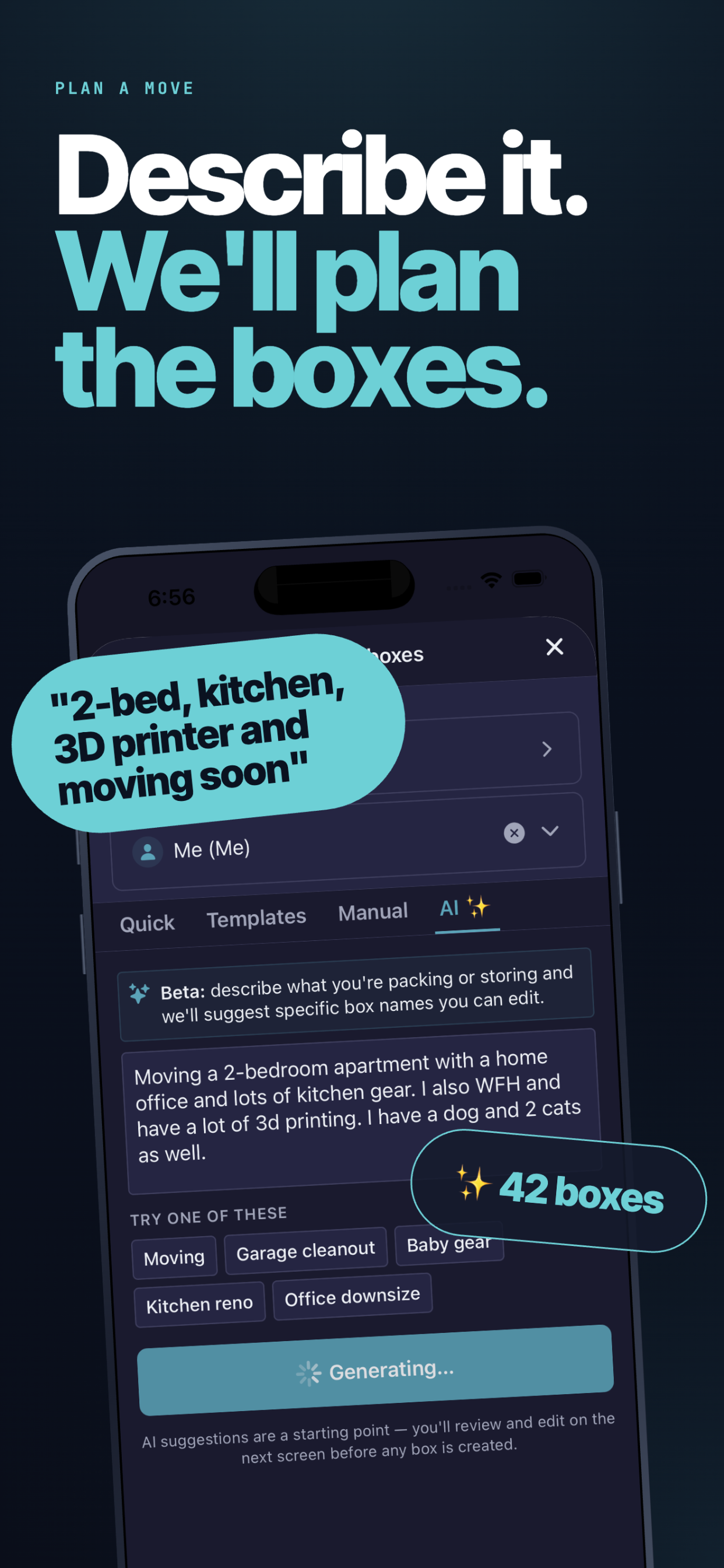
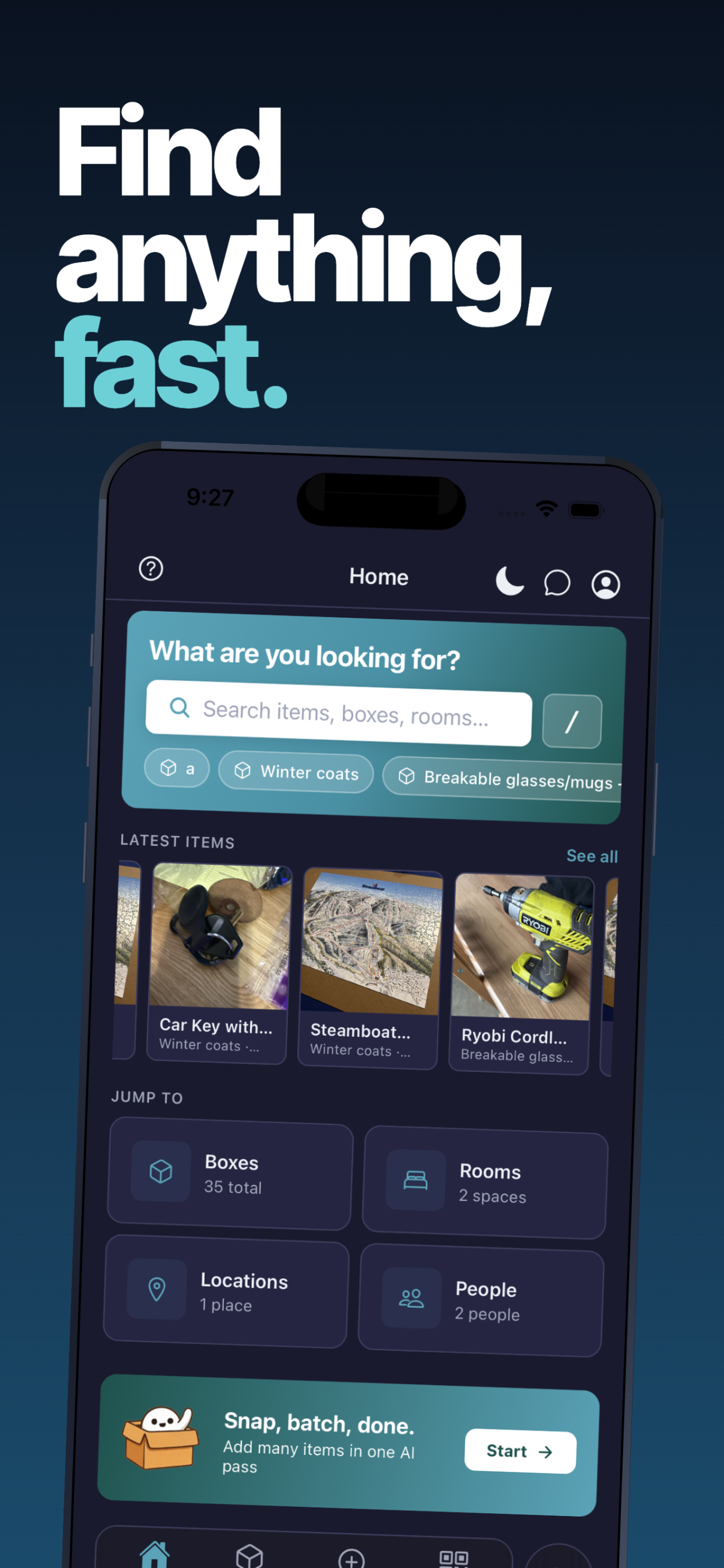
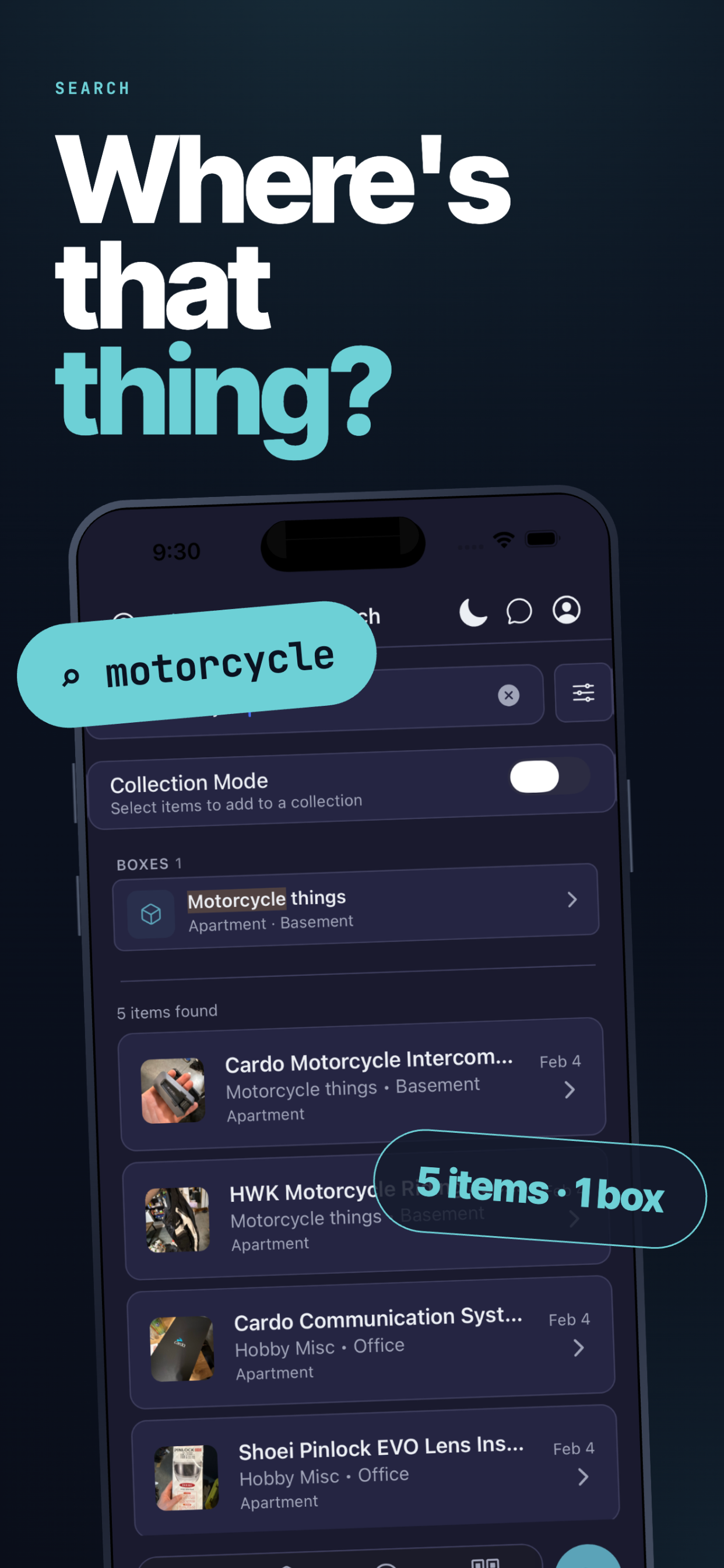
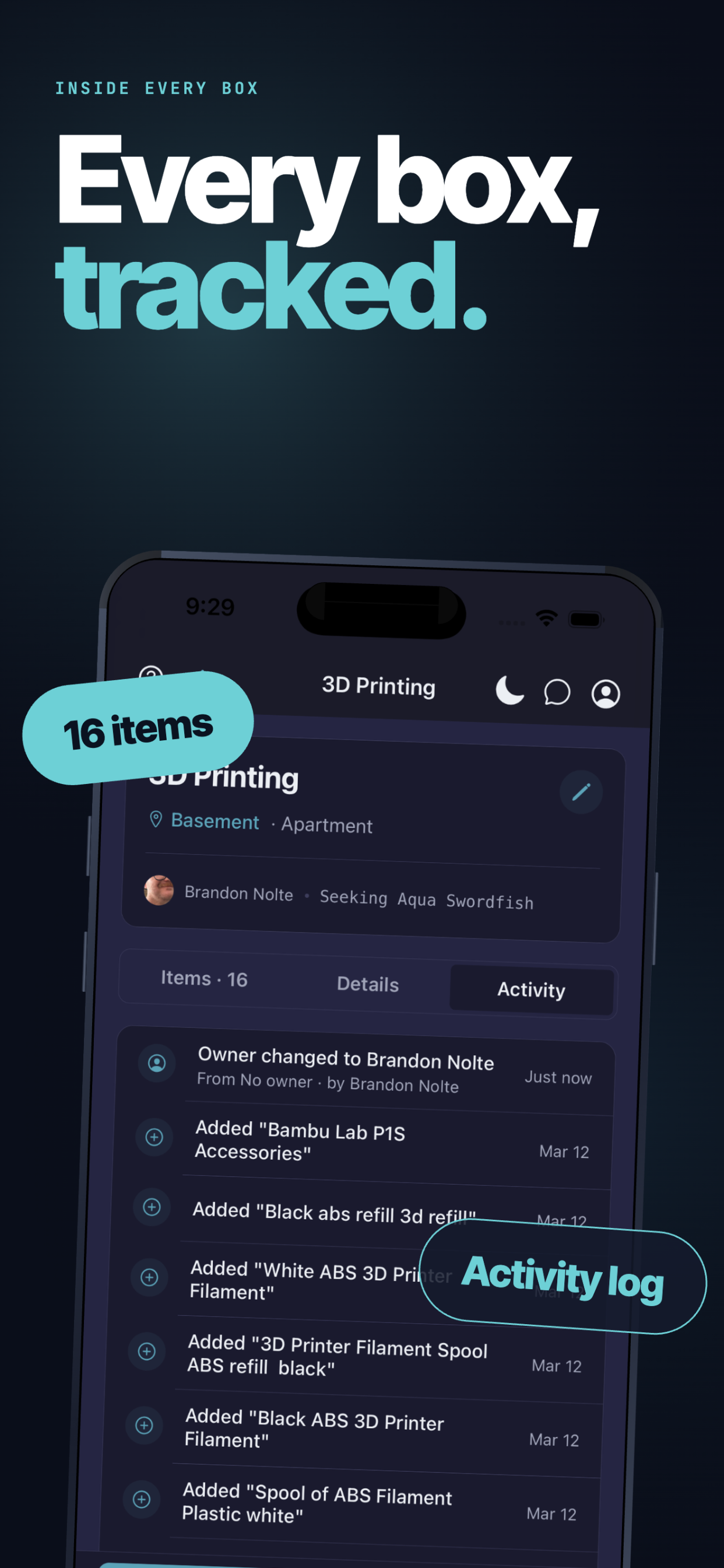
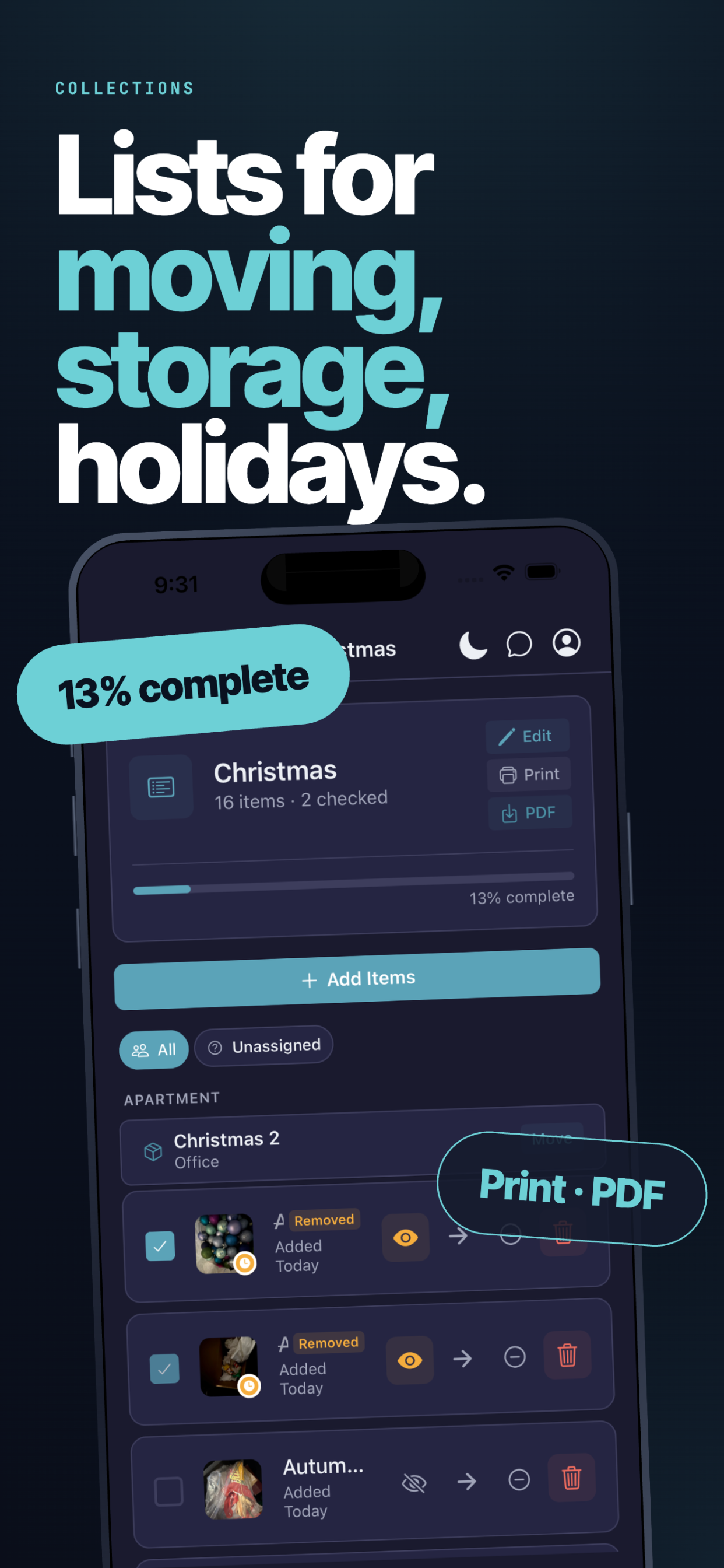
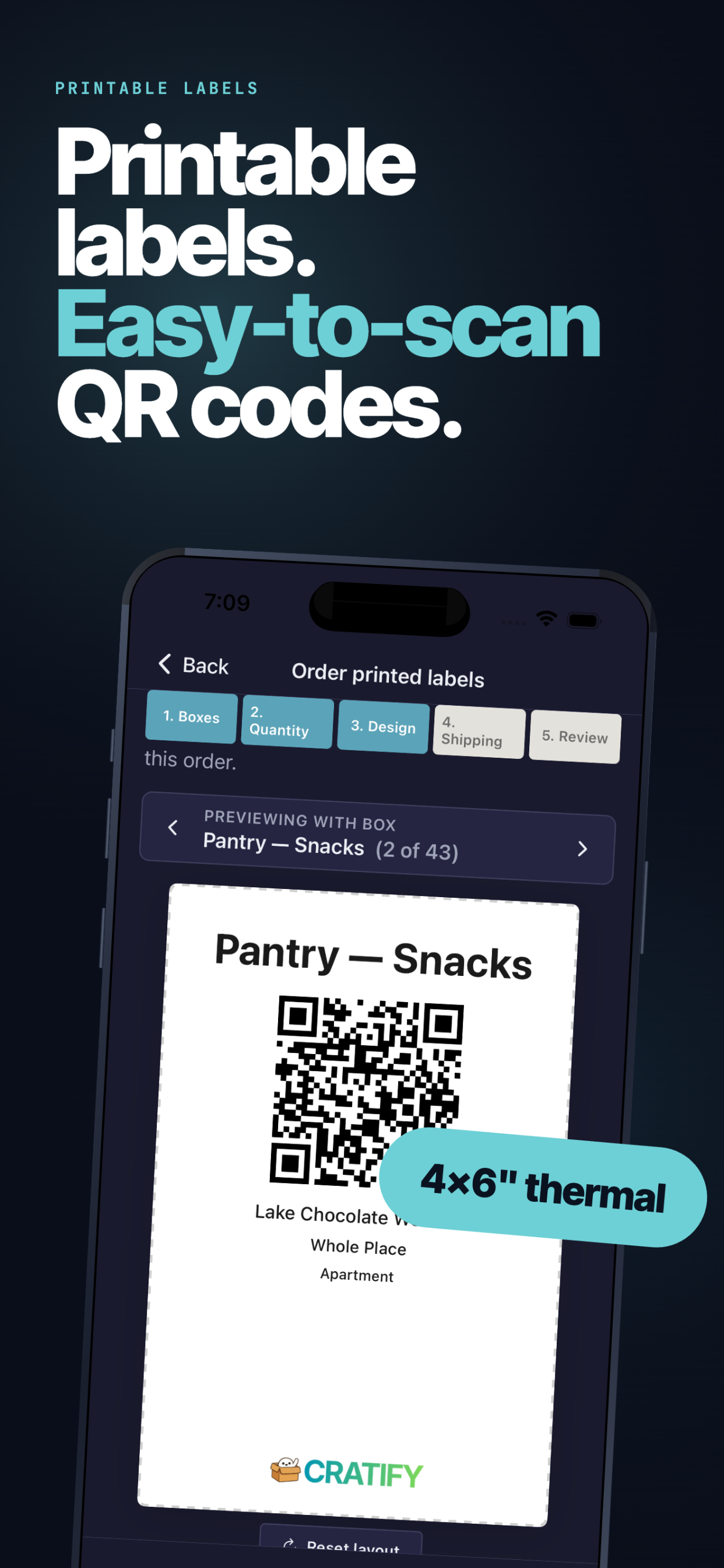
Cratify is the app that lets you photograph anything you own, get it labeled and organized in seconds with AI, stick a QR code on the box, share access with the people you share your life with, and search your entire physical world from any device — turning the lifelong frustration of I know I have one of those, somewhere into a question with an instant, photographic, accurate answer. Everything else in this pitch is detail. That sentence is the product. And if you've ever spent a Saturday looking for something you knew you owned, you already know why it matters.
Tags
Tech stack
This should be useful in B2B as well.
Open in new tab if it appears blank.
6 months ago·140 views
I’ve built a video reviews platform, it records the reviews in browser directly, with your laptop or phone’s camera and microphone. You must login with Linkedin to show that you’re a real person. Url: https://vidvow.info
Tags
Tech stack
Just submitted a product.
Open in new tab if it appears blank.
6 months ago·149 views
GizmoSauce helps small businesses turn more website visitors into leads, sales, and customers with fast, beautiful widgets that install in minutes.
Tags
Tech stack
No comments yet. Start the conversation!
Open in new tab if it appears blank.
6 months ago·145 views
It’s a tinder simulator. Realistic dating game where you can get blocked or ghost by ai. This might be a viral point fir the video.
Tags
Tech stack
No comments yet. Start the conversation!
6 months ago·177 views
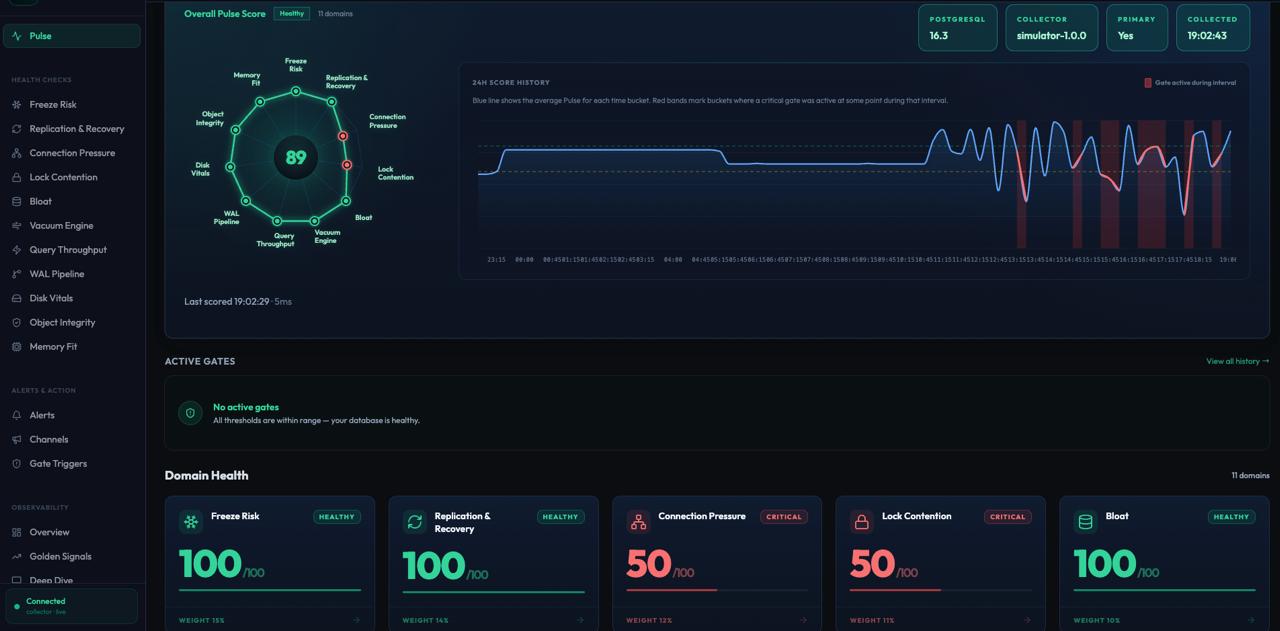
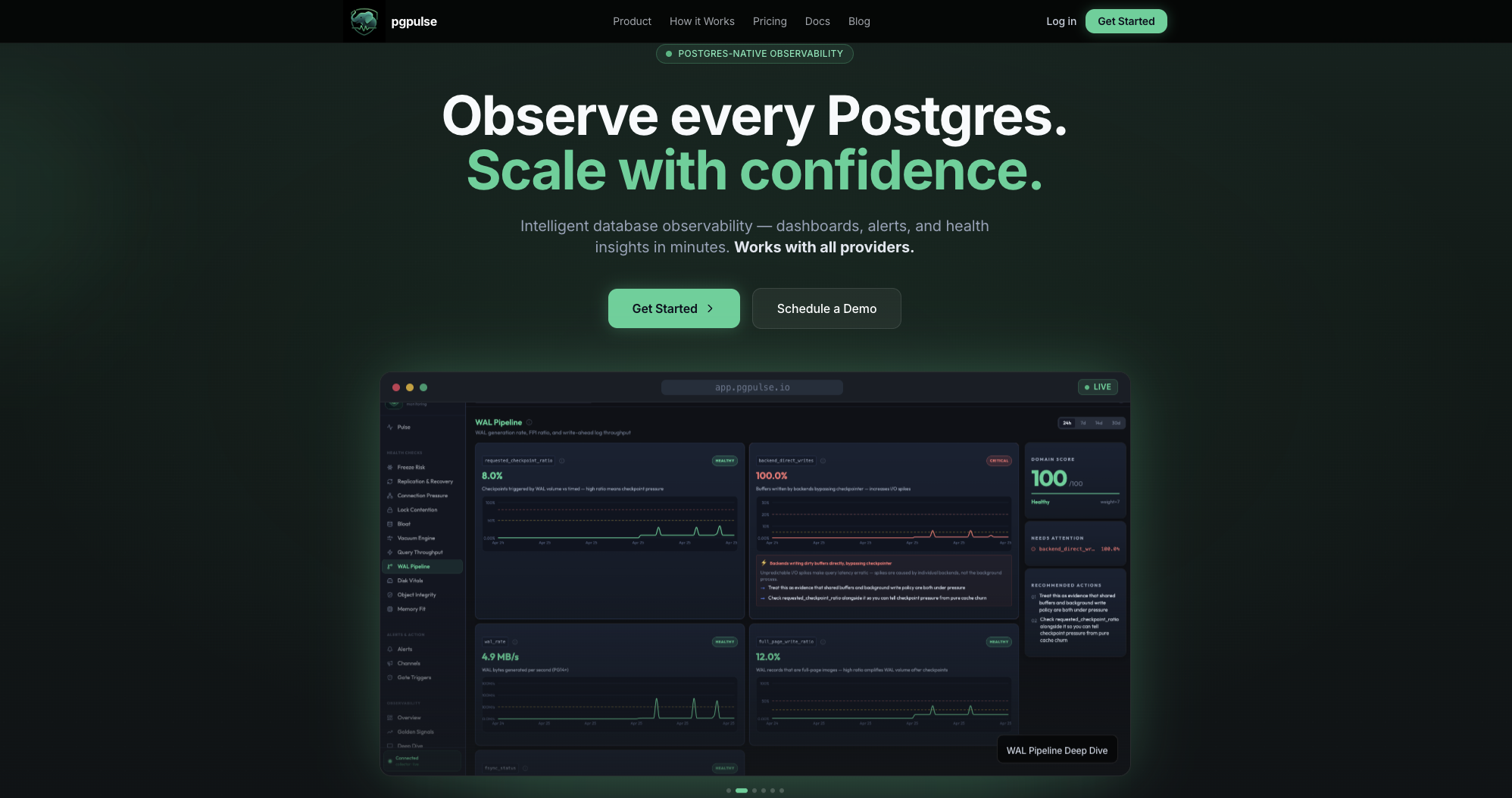
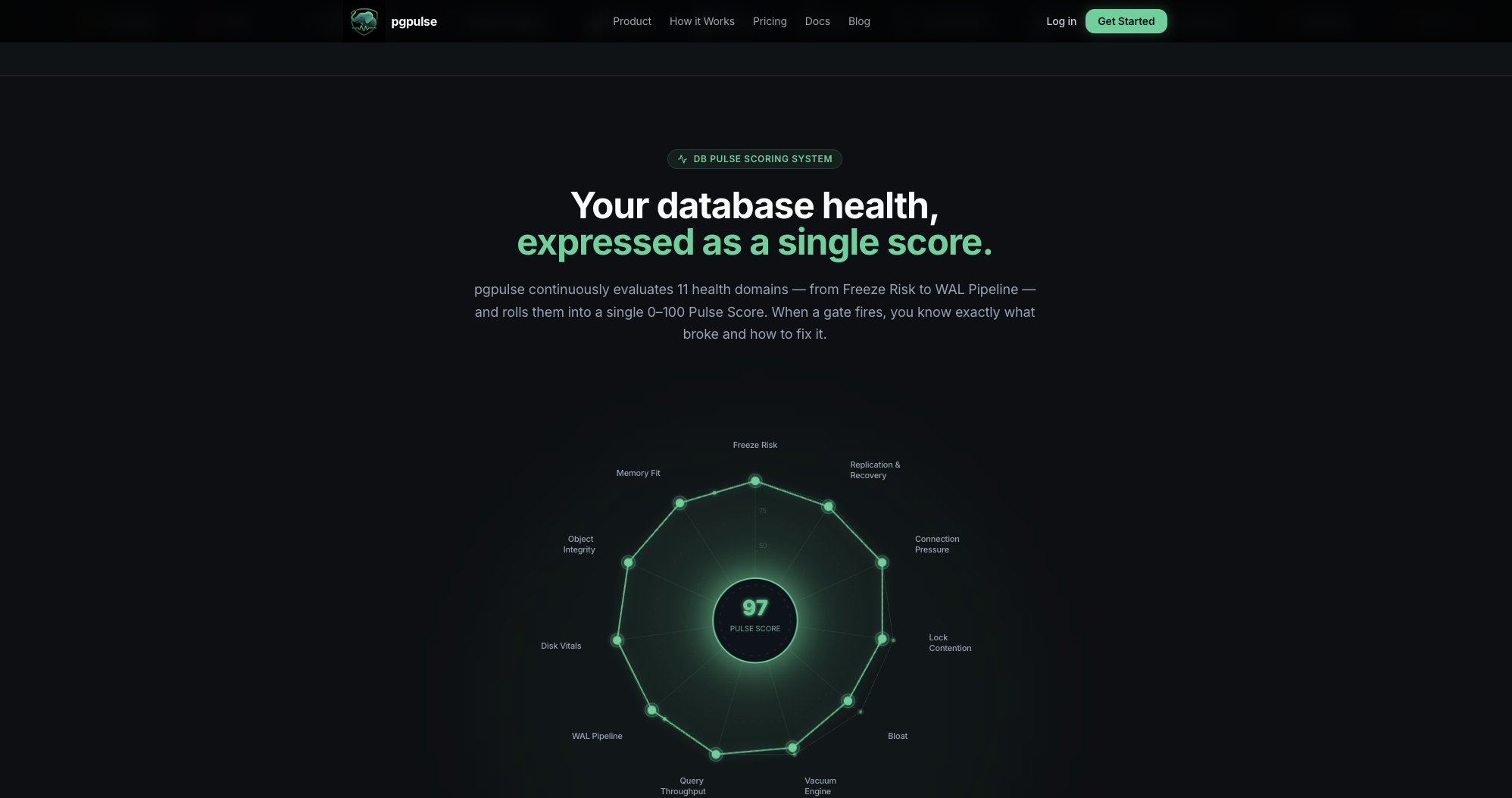
pgpulse is an Autopilot for Postgres that turns Postgres internals into one health model that pgpulse scoring system that independently scores eleven critical health domains on a weighted 0–100 scale, automatically surfacing your highest-risk performance bottlenecks through an impact-sorted dashboard. AI insights , Alerts and Critical gates along with Golden signals are the key core features to tell "what failed, how bad it is, and what to do next". The result is faster diagnosis, earlier detection, and more confidence operating Postgres at scale.
Tags
Tech stack
🚀 Introducing pgPulse: Autopilot for Postgres Postgres is the backbone of the modern stack, but managing it at scale often feels like flying a plane in a storm without a radar. When things go wrong, you’re stuck digging through logs and raw metrics, trying to piece together a story while your performance tanks. pgpulse changes that. It’s an Autopilot for Postgres that translates complex internals into a single, intuitive health model. Core features of pgpulse: - The Pulse Scoring System with Weighted Impact and automatic Prioritization: The Domains: Freeze Risk, Replication, Connections, Locks, Bloat, Vacuum, Queries, WAL, Disk, Objects, and Memory. - Critical Gates: Set automated guardrails that prevent bad deployments or configurations from reaching production. - Golden Signals: We monitor Latency, Traffic, Errors, and Saturation to give you the industry-standard view of your database health. - Smart Alerts: Silence the noise. pgPulse alerts you based on health degradation, not just arbitrary thresholds. - AI Insights: Don't just look at a red bar; understand it. Our AI analyzes the "why" behind the score drops. - Index advisor: Index guidance helps engineering teams act on query-path issues without forcing every investigation into a full manual tuning exercise. "Observe every Postgres instance through one health model, catch failure earlier, and scale with confidence."
6 months ago·135 views
Flashback cam is a video recorder app which records past moments, basically it keeps upto 30 sec in the buffer and when something happens, you press record and save, it will include past 30 seconds and whatever happens next. No need to record everything and fill up storage just for 1 perfect moment.
Tags
Tech stack
6 months ago·148 views
Billy is a new free budgeting app and it is much better than anything you know ! It helps your predict the expenses ahead and plan your vacation. It tracks not only the past cost but also allow you to plan your spending and see it on a graph.
Tags
Tech stack
link?
6 months ago·129 views
Save locations from social media videos to Google Maps.
Tags
Tech stack
No comments yet. Start the conversation!
6 months ago·148 views
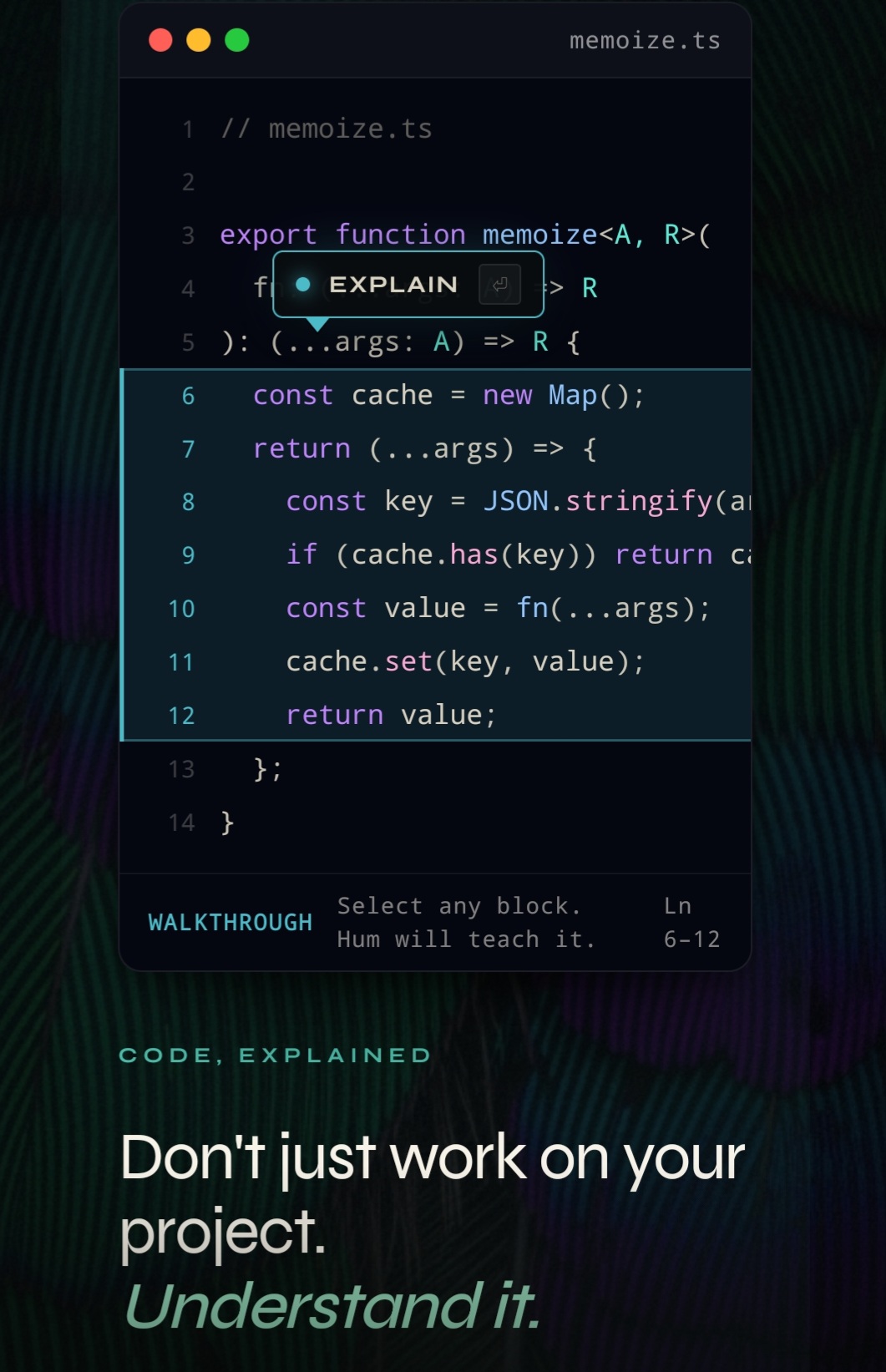
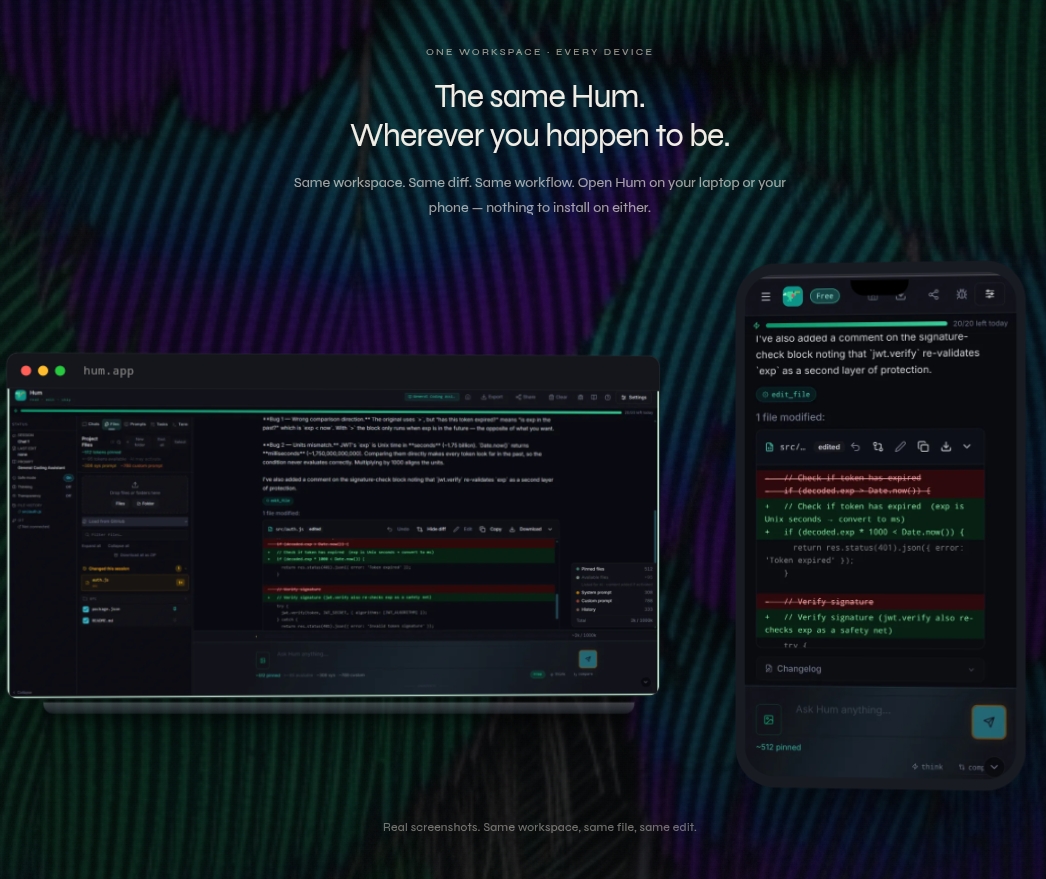
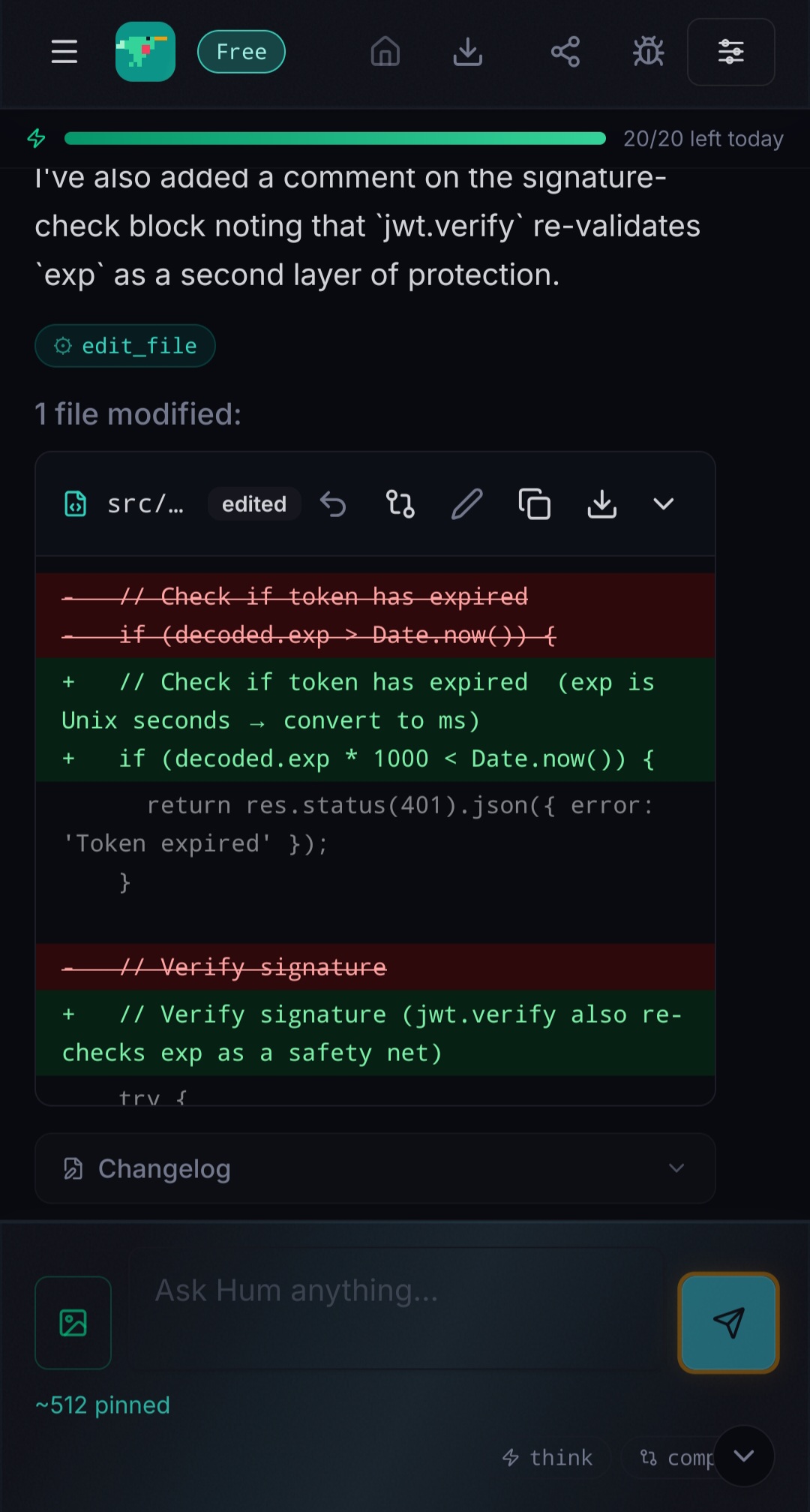
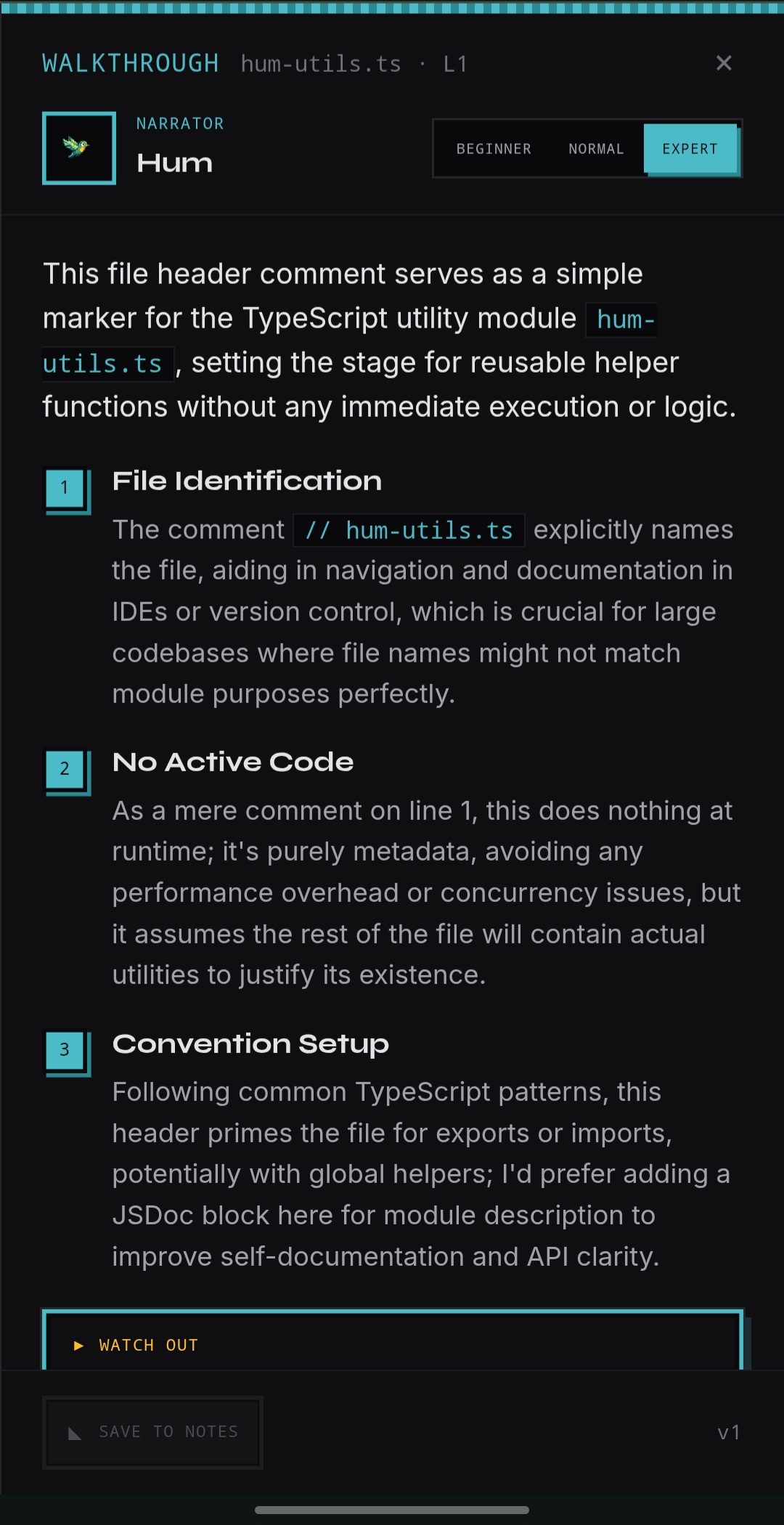
Hum is an AI coding tool that runs entirely in your browser. No install, no account, no subscription. Open heyhum.net on your phone, tablet, or laptop and start building. Most AI coding tools hide what's happening. You send a prompt, get code back, and somewhere in between the model read files, burned tokens, and made decisions you never saw. Hum shows all of it. Every file the model touched. Every token spent. The full prompt that left your browser. The API call with status and timing. You see what happened before you commit anything. Hum is BYOK. Bring your own key from Anthropic, OpenRouter, or run local models through Ollama. Hum charges nothing on top. You pay your provider directly, only for what you actually use. Skip a week, pay nothing. Or use the free tier with 20 messages a day, no key needed, no card, no signup. Code changes arrive as real diffs inside Hum's built-in editor. Review line by line, accept or reject each hunk, spot-edit before applying, or open the full file and write the line yourself. Nothing overwrites your code without your hand on it. Your workspace is the same across devices. Start on your laptop, pick it up on your phone, push a fix from the couch. Same files, same diffs, no install on either. What makes Hum different from every other tool in this space is Walkthrough. Select any block of code and Hum opens a side panel that walks you through what it does, line by line, in plain language. Pick a difficulty level: Beginner spells things out as if you're new to the codebase, Normal gives a mid-level read, Expert skips the basics and focuses on edge cases, performance, and gotchas. There's a "Watch Out" callout when something deserves a closer look, and you can save any walkthrough to your notes for later. Walkthrough also works on whole files. Open it from the file menu and Hum breaks the file into 4 to 8 beats organized by responsibility. It reads your pinned project files for context, so it can tell you "this hook is the one Settings.tsx imports" instead of guessing. No other coding tool does this. Every competitor buries explanation inside a chat window where it scrolls away. Hum makes understanding your code a first-class feature, not an afterthought. Compare Mode lets you ask two models the same question side by side and pick the winner. Great for stubborn bugs where one model is confidently wrong, or for testing whether your prompt works across providers before you commit your workflow to one. Pipelines let you chain tasks together with control flow. Set a task to auto-run or require manual review. Define what happens on pass or fail: move to the next step, stop, retry, or jump. Attach files, notes, and presets to each task. It's automation with guardrails. Hum has a community prompt library where users share and fork system prompts, and a profiles system for swapping between custom configurations. Drop a file into a fresh workspace and Hum parses it instantly on your machine: lines, functions, exports, TODOs, imports, size. No model call, no key needed. The chat input pre-fills a starter question based on the file type. Drop a diff and it asks what changed. Drop a test file and it asks how the tests are organized. Security is the architecture, not a feature. API keys live in your browser and are never stored on Hum's servers. Requests pass through as a stateless proxy. Your key is attached in flight, forwarded to your provider, and dropped. There is no user database to breach because there are no user accounts. Enable Transparency Mode to audit every request before it leaves your browser. Enable Safe Mode to require approval before any file write or shell command. Encrypted exports wrap your workspace backup in AES-GCM with a passphrase only you know. Hum was not built to compete with Cursor or Copilot. It was built for the people those tools were never designed for. The developer who wants to ship from a phone at midnight. The learner who wants to understand the code, not just receive it. The engineer who cares where their data goes. The solo founder who can't justify $20 a month to test an idea. Free tier, no signup, runs in your browser. BYOK when you're ready. Hum Pro lifts the limits with Walkthrough, encrypted exports, and more. Built by one person on a phone. No VC, no team, no runway. Just a small bird and a stubbornness problem.
Tags
Tech stack
No comments yet. Start the conversation!
6 months ago·113 views
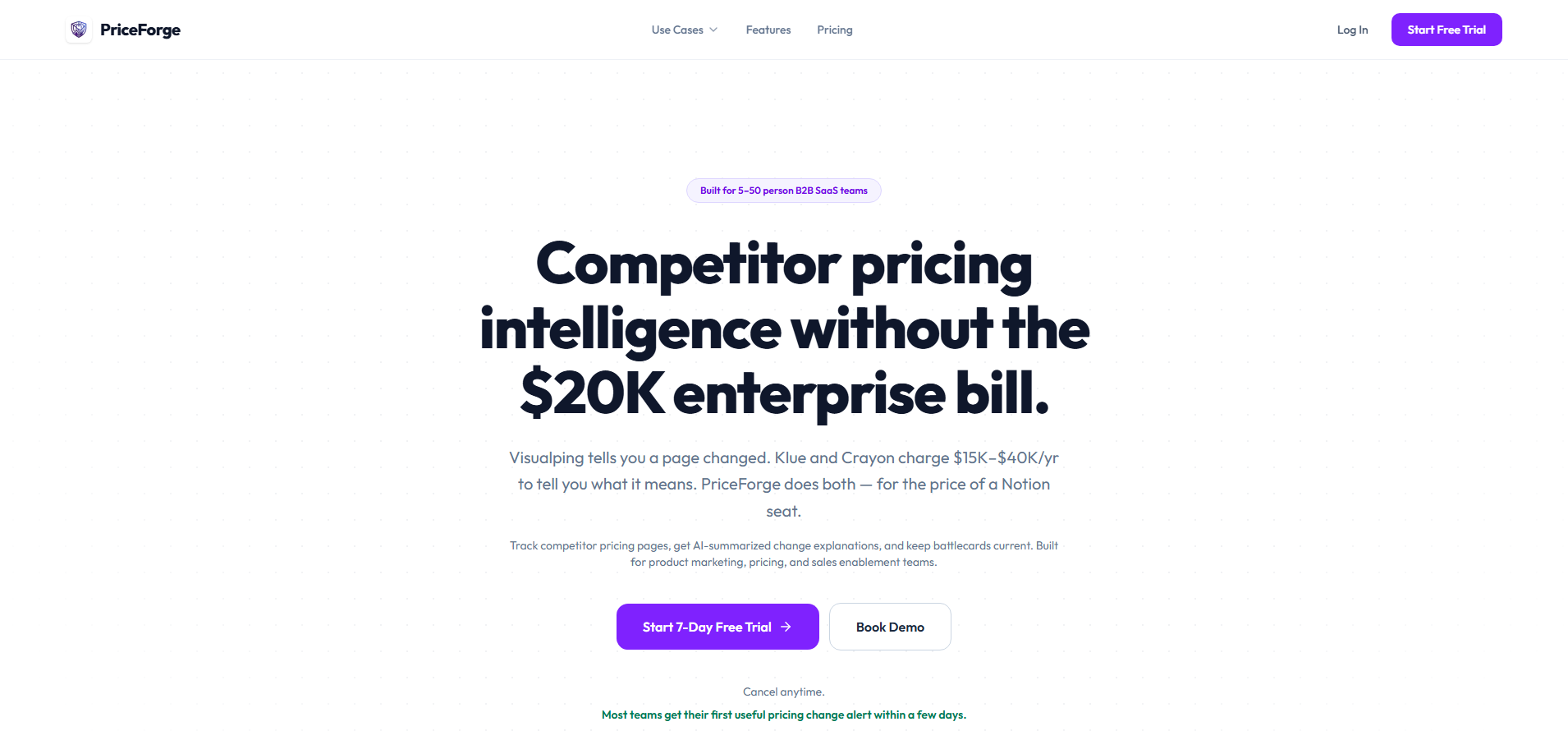
Most B2B SaaS teams do competitor analysis once, build a deck, and it's stale in 3 months. They miss when competitors change pricing tiers, move features between plans, or pivot their messaging—usually finding out during a customer call when it's too late. PriceForge automates continuous competitor monitoring with AI-powered crawlers that check competitor pricing, packaging, features, and messaging multiple times per week. Instead of manually stalking competitor websites or relying on outdated competitive intel, teams get automatic alerts on meaningful changes with timestamped before/after screenshots as proof. What makes PriceForge different: - Focuses specifically on B2B SaaS competitive intelligence (not general market research) - Smart filtering that surfaces only meaningful changes (pricing updates, feature tier shifts, messaging pivots) and ignores cosmetic noise - Visual proof with before/after screenshots so teams have evidence, not just alerts - Weekly digests that are ready to share with sales and product teams - Built for non-technical teams—no coding or setup complexity Target customers: Product marketing managers, sales enablement teams, and pricing strategists at B2B SaaS companies who need competitive intelligence without manual work. Free tier: Monitor 3 competitors with weekly updates. Paid plans starting at $50-200/month to track more
Tags
Tech stack
No comments yet. Start the conversation!
6 months ago·120 views
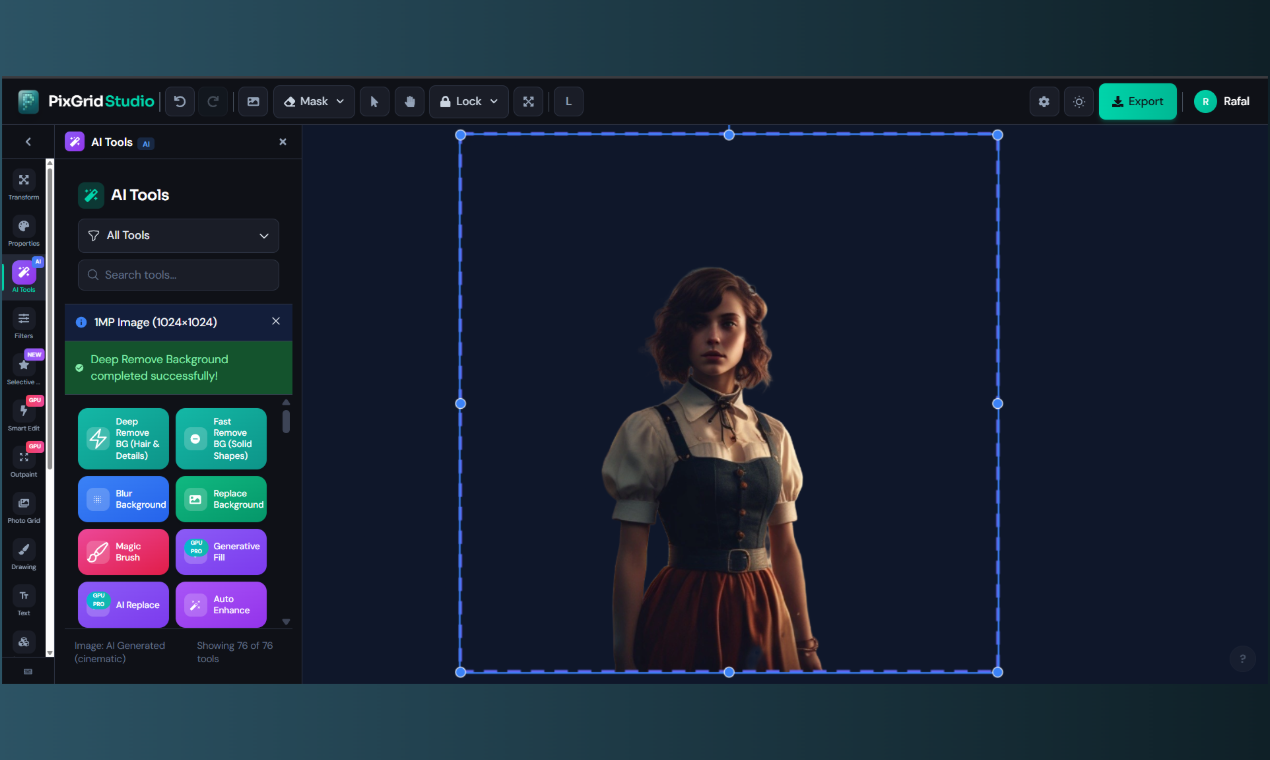
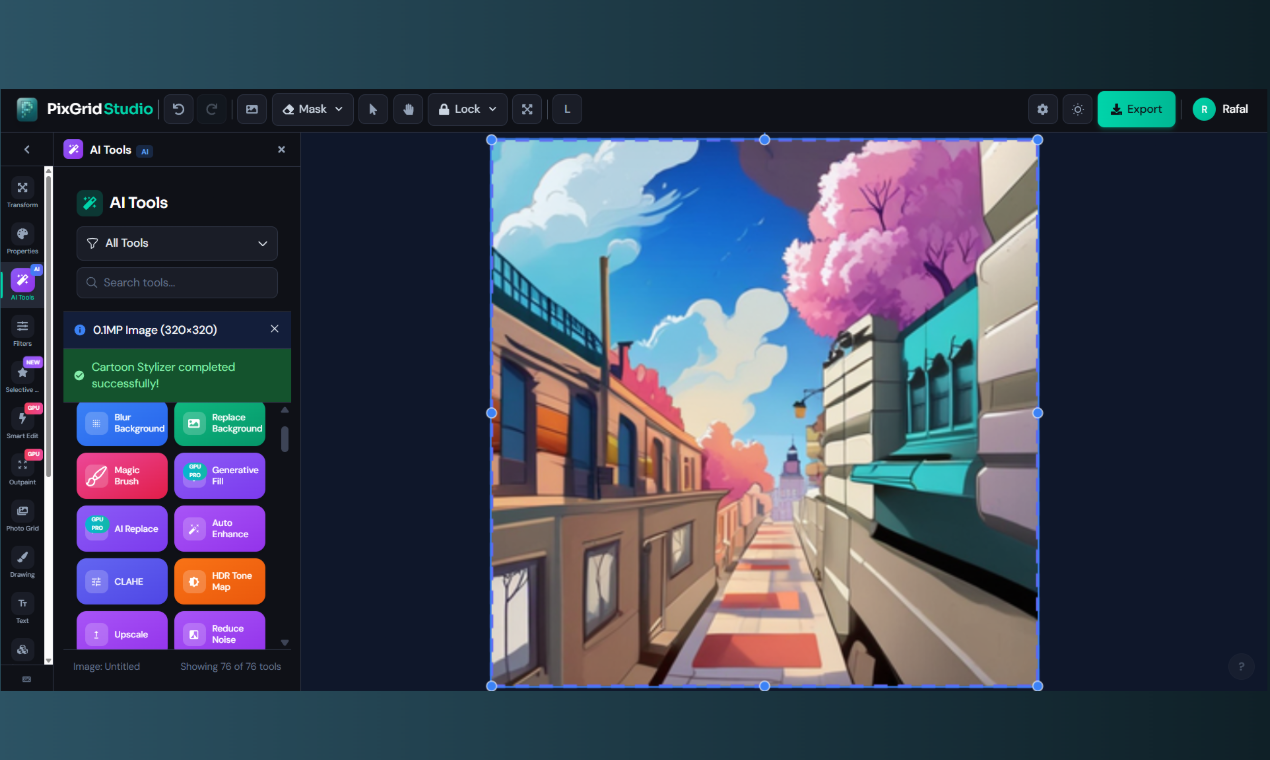
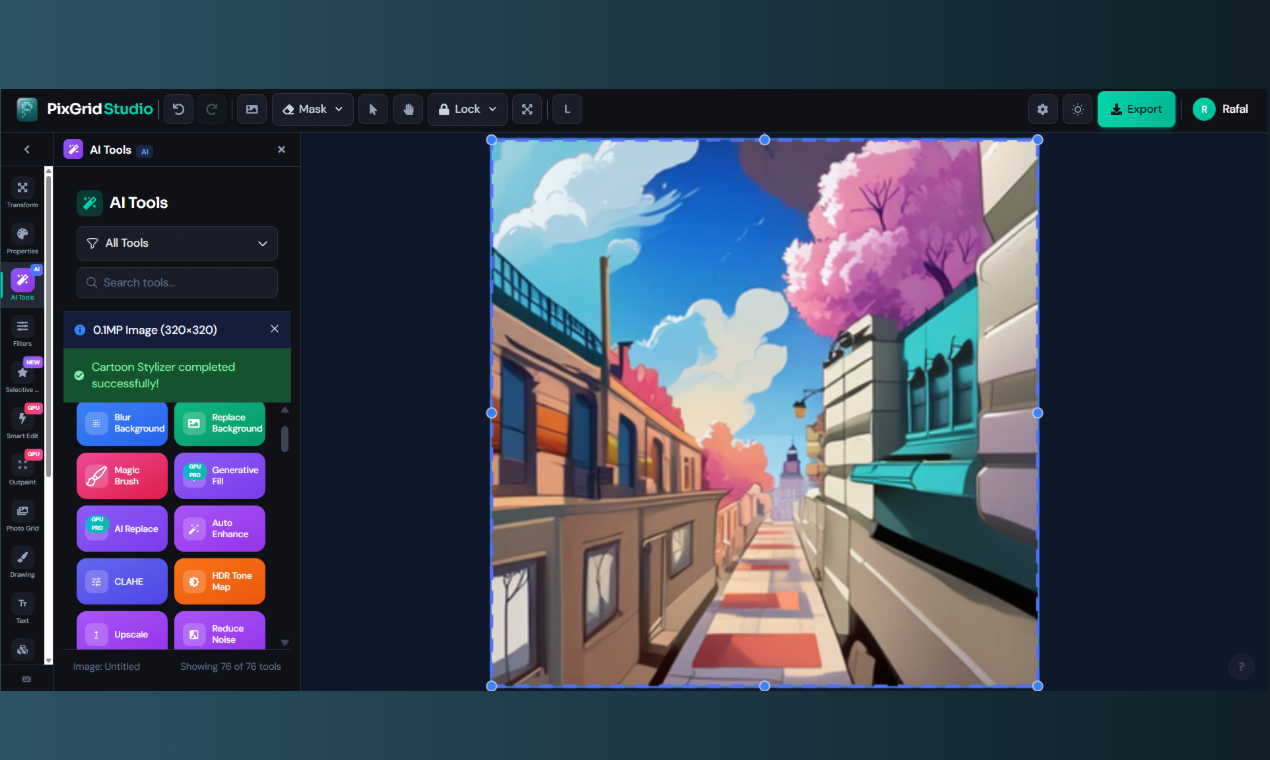
PixGrid is an AI-powered photo editor that runs 100% in the browser. It combines a layer-based canvas editor (think Photoshop) with social media templates (think Canva) — background removal, object erasing, filters, text, shapes, and export to PNG/SVG/PDF. Why I built it: I wanted professional editing tools without the $13/month subscription trap. Background removal alone costs money on most platforms — even basic photo grids are paywalled. PixGrid gives you 60+ AI tools for free — no account needed for basic editing. Sign up (free) and you get 1 full-resolution export per day and access to 99% of features. What makes it different: No subscriptions, ever. One-time passes starting at $2.99 if you want premium AI features. No auto-renewal. Privacy-first. Your images are processed on private servers and deleted immediately. Nothing is stored or used for training. Actually free. The full canvas editor, filters, templates, and most AI tools work without paying. Browser-only. No downloads, works on desktop and mobile. Tech stack (for the curious): React + Fabric.js canvas, FastAPI backend, Docker, local AI models (Many and quite well optimized while still focusing on max quality). All AI runs on my own servers — no OpenAI/Replicate API calls.
Tags
Tech stack
Nice!
6 months ago·105 views
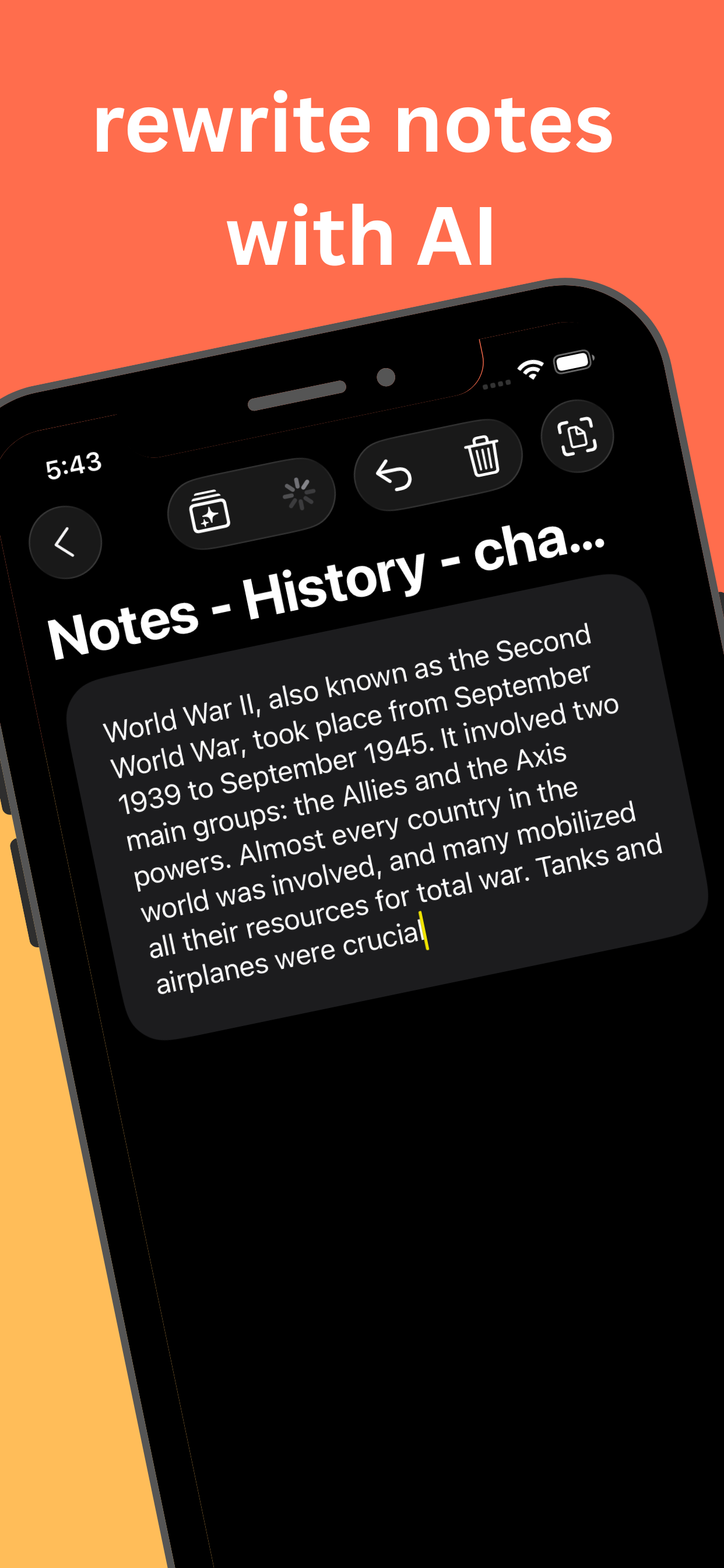
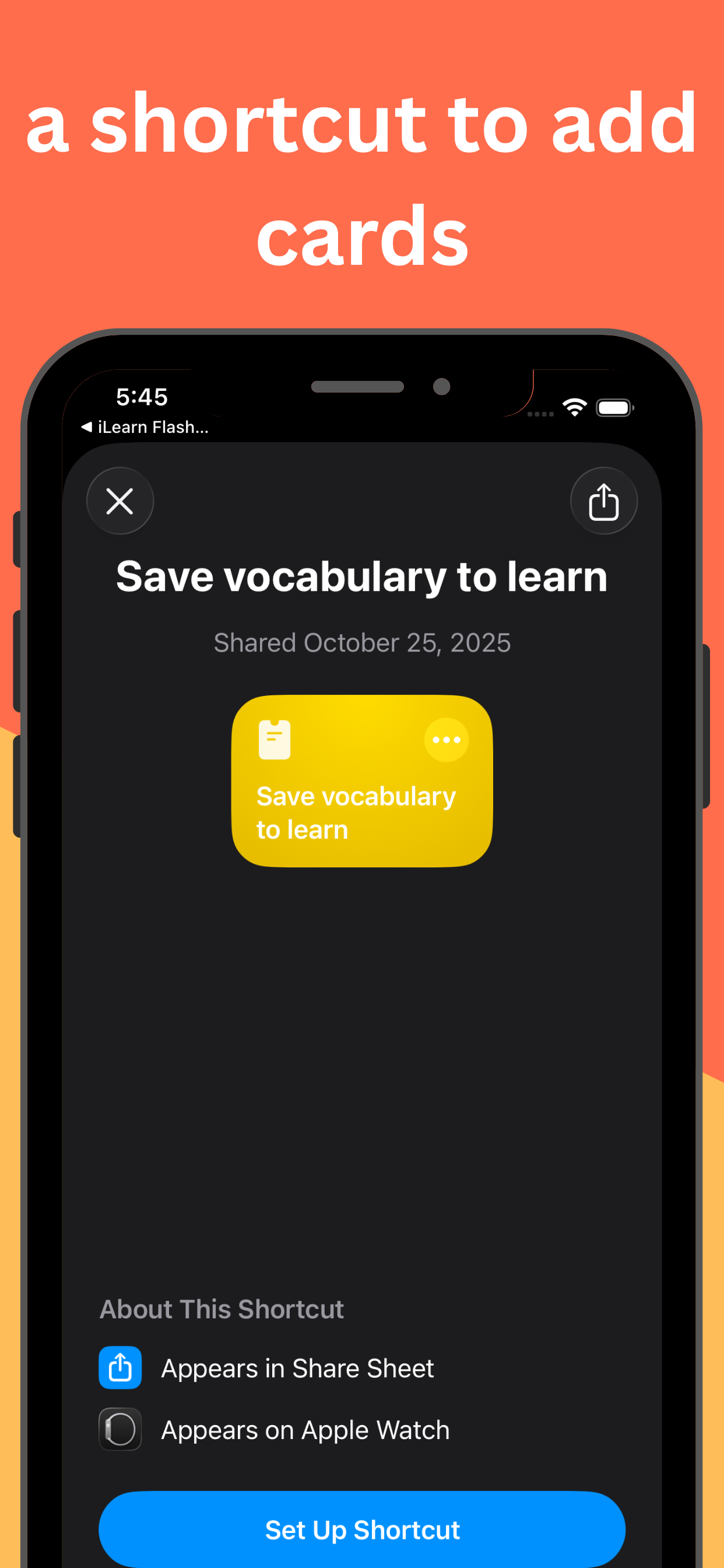
iLearn is the perfect app to learn things faster with ease thanks to AI. Scan your handwritten notes and convert them to flashcards to study faster and smarter. It includes Apple Intelligence to generate flashcards with AI locally with no data shared. The app is free because I think that being able to learn easily is important.
Tags
Tech stack
No comments yet. Start the conversation!
6 months ago·132 views
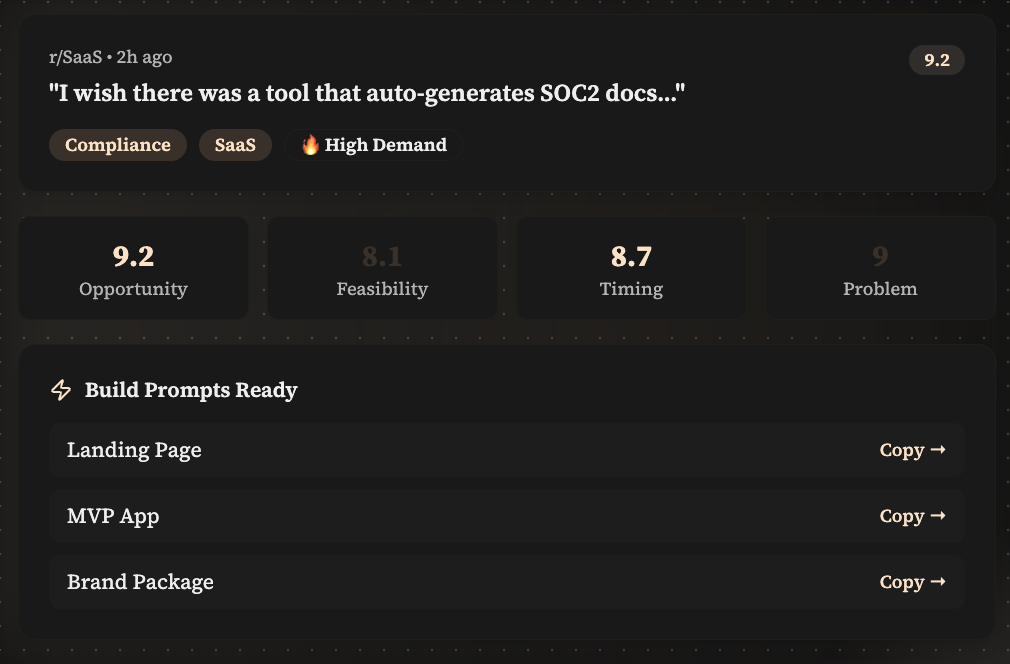
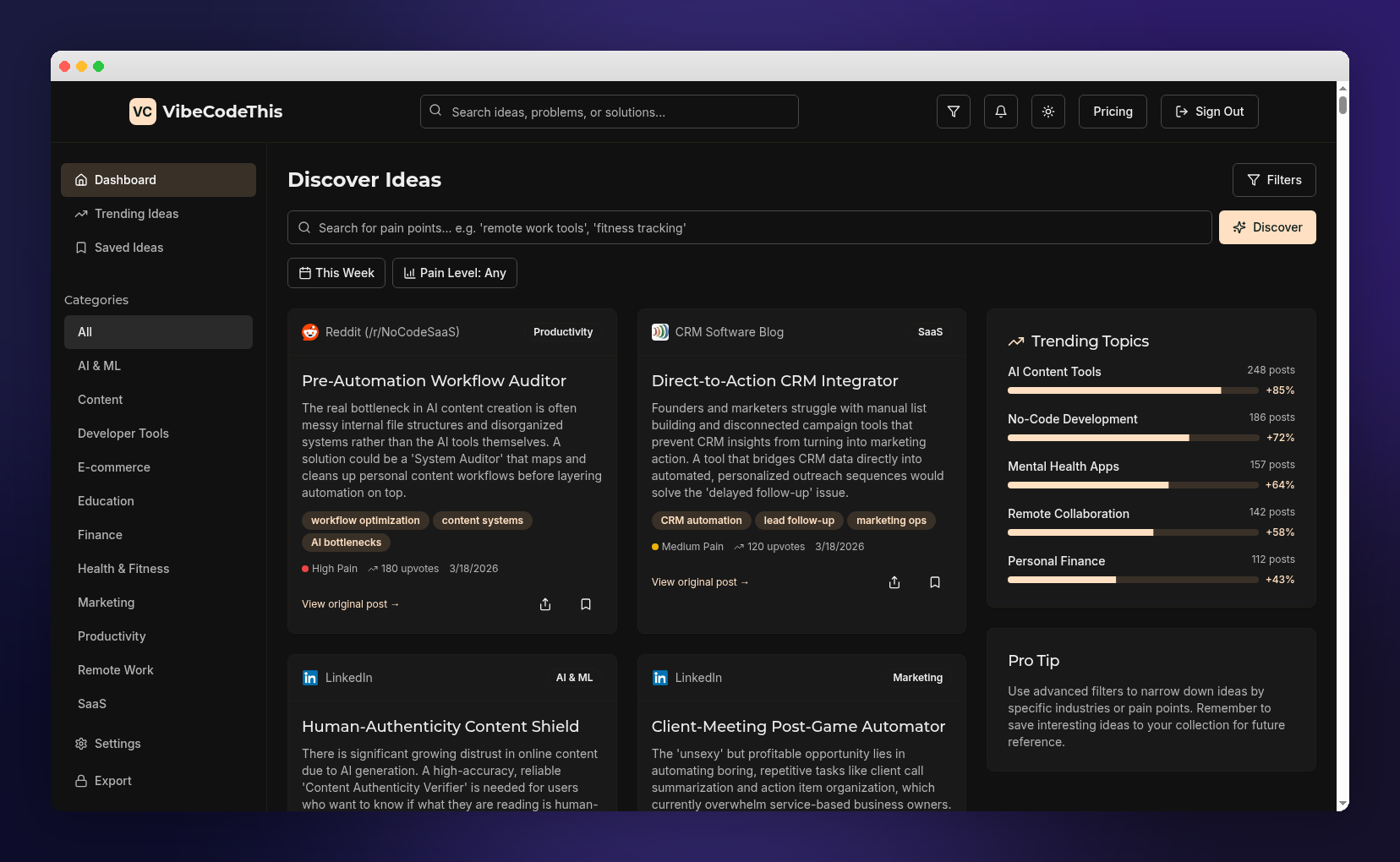
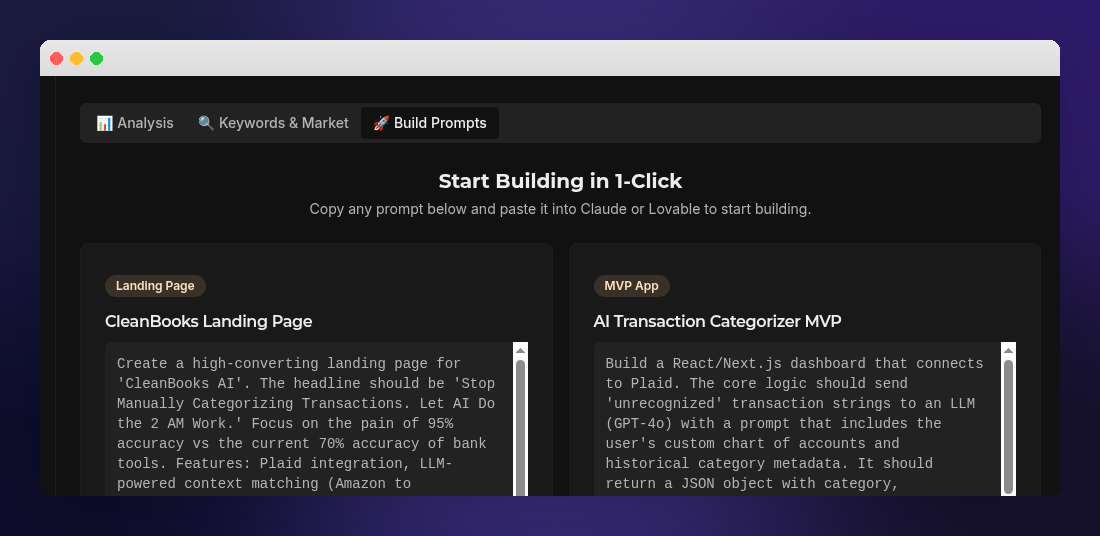
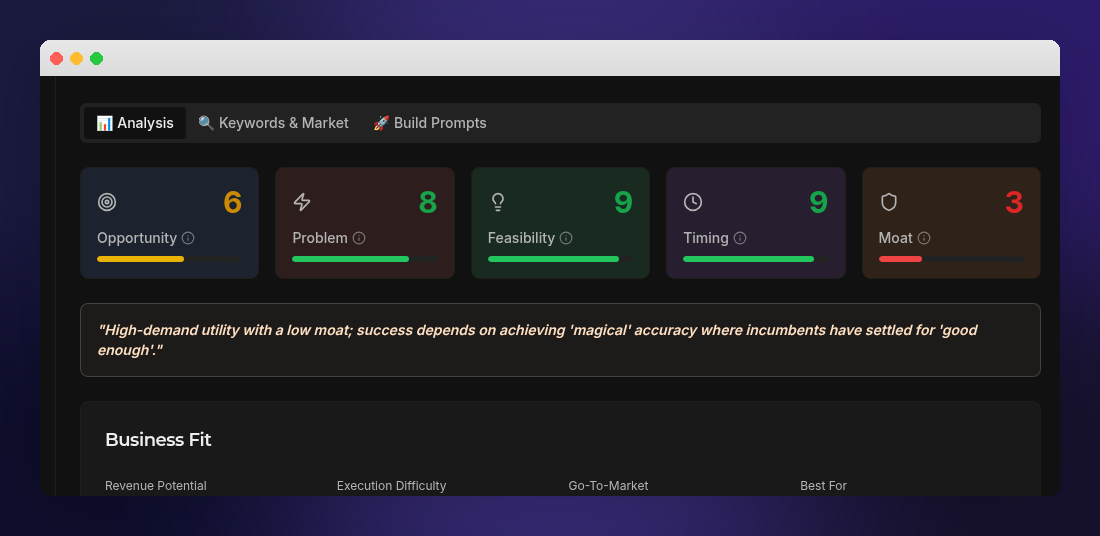
VibeCodeThis is an AI-powered idea discovery tool that scans real online communities like Reddit and Hacker News to surface real user problems, then ranks them by demand and feasibility and turns them into ready-to-build product ideas with prompts for MVPs, landing pages, and branding. It’s designed to help founders and builders quickly go from “problem signal” → “validated idea” → “start building” without guessing what to work on.
Tags
Tech stack
You've reached the end of the feed.
Submit a project